Office Equipment Supplier
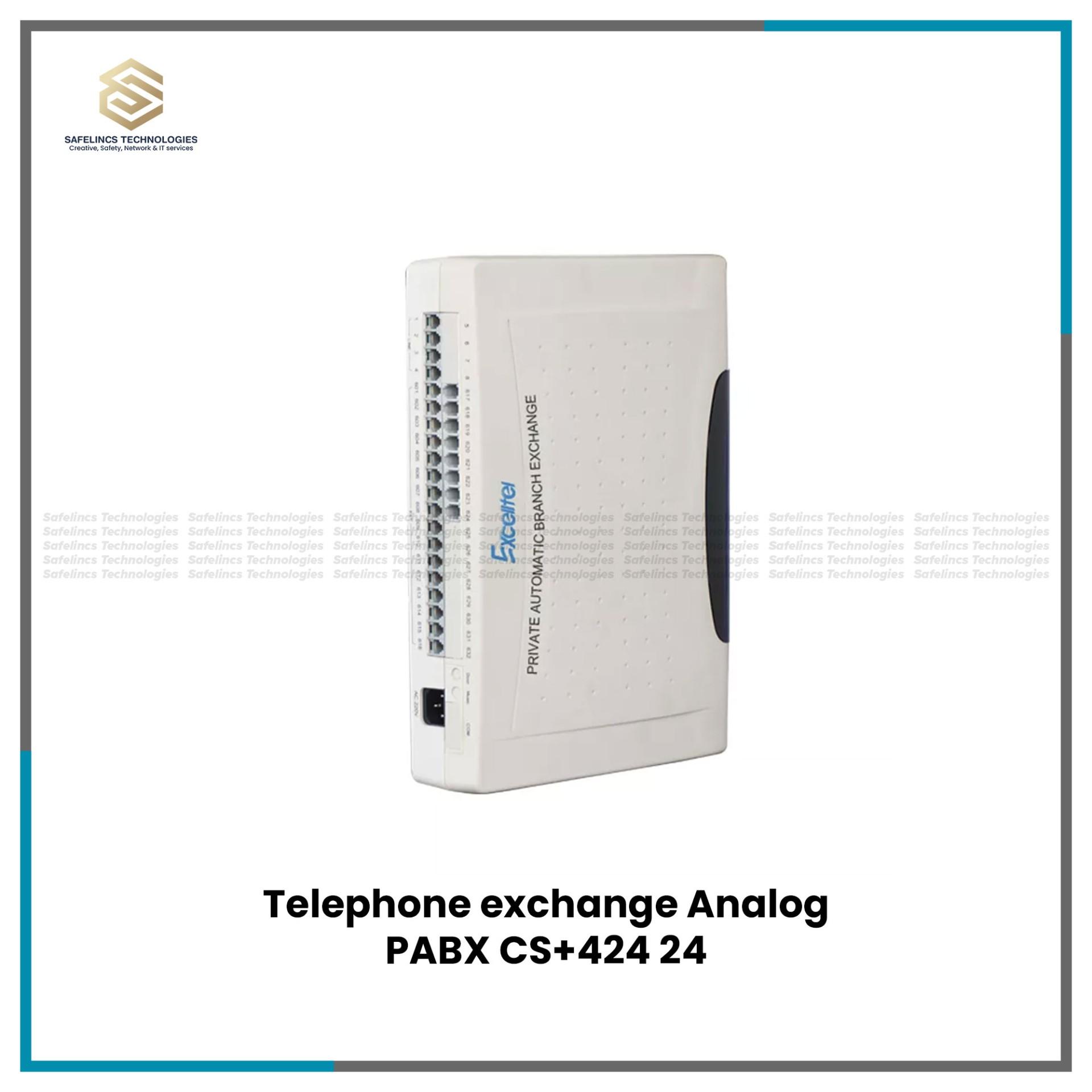
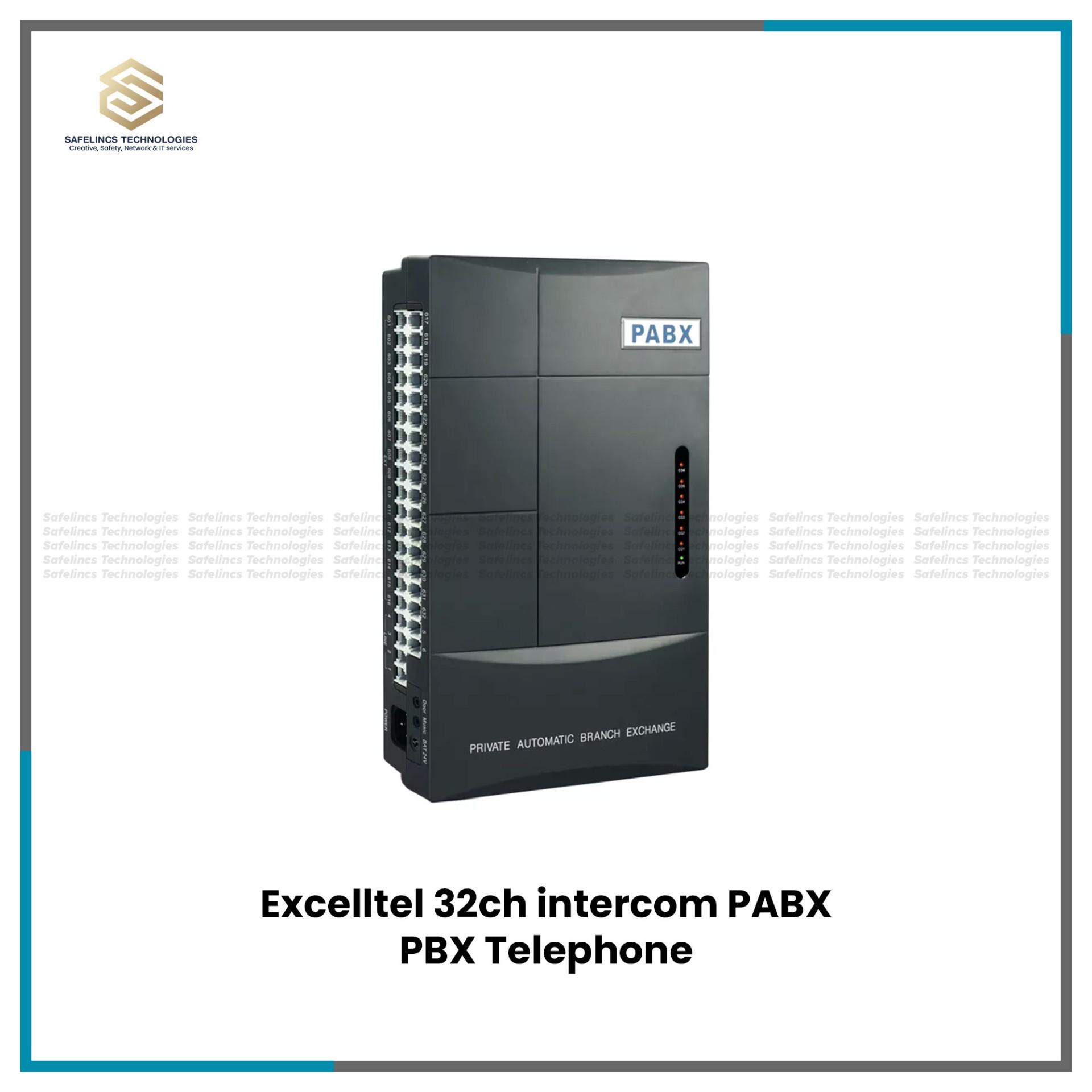
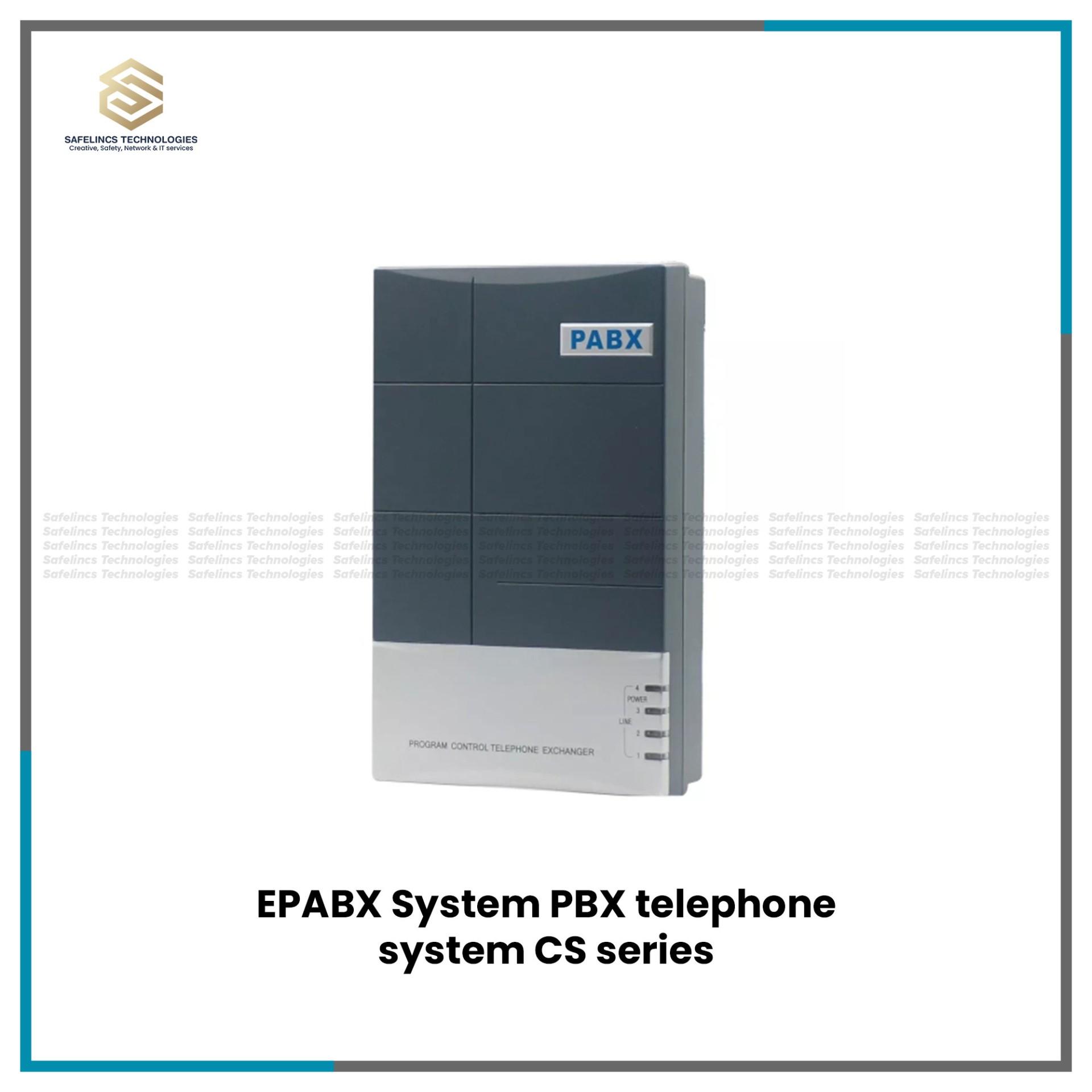
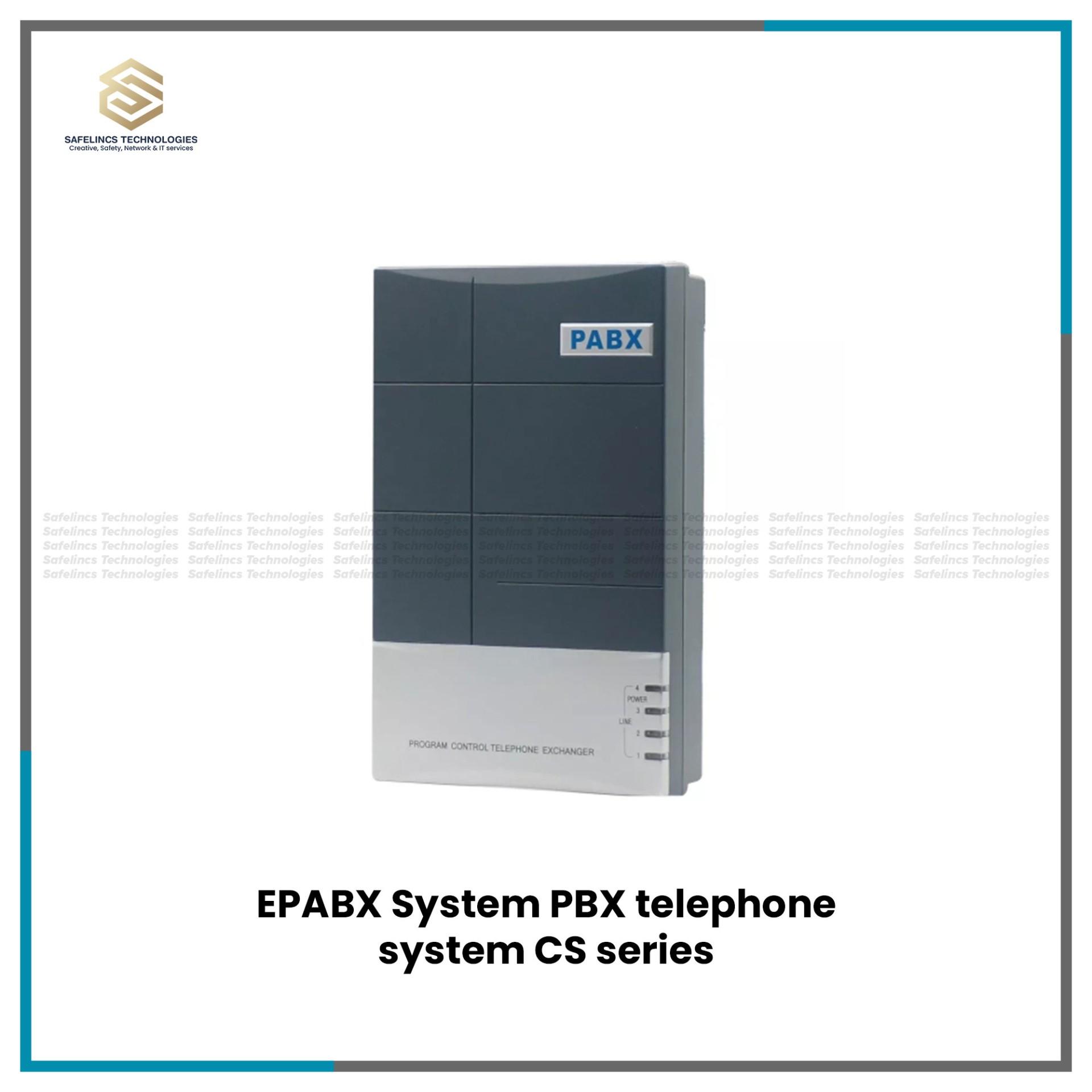
Excelltel EPABX Intercoms
Excelltel 32ch intercom EPABX 4 CO-32 ExtensionsRs. 31,500
Rs. 35,000-10% OFF
Barcode Scanner's & Barcode Printer's
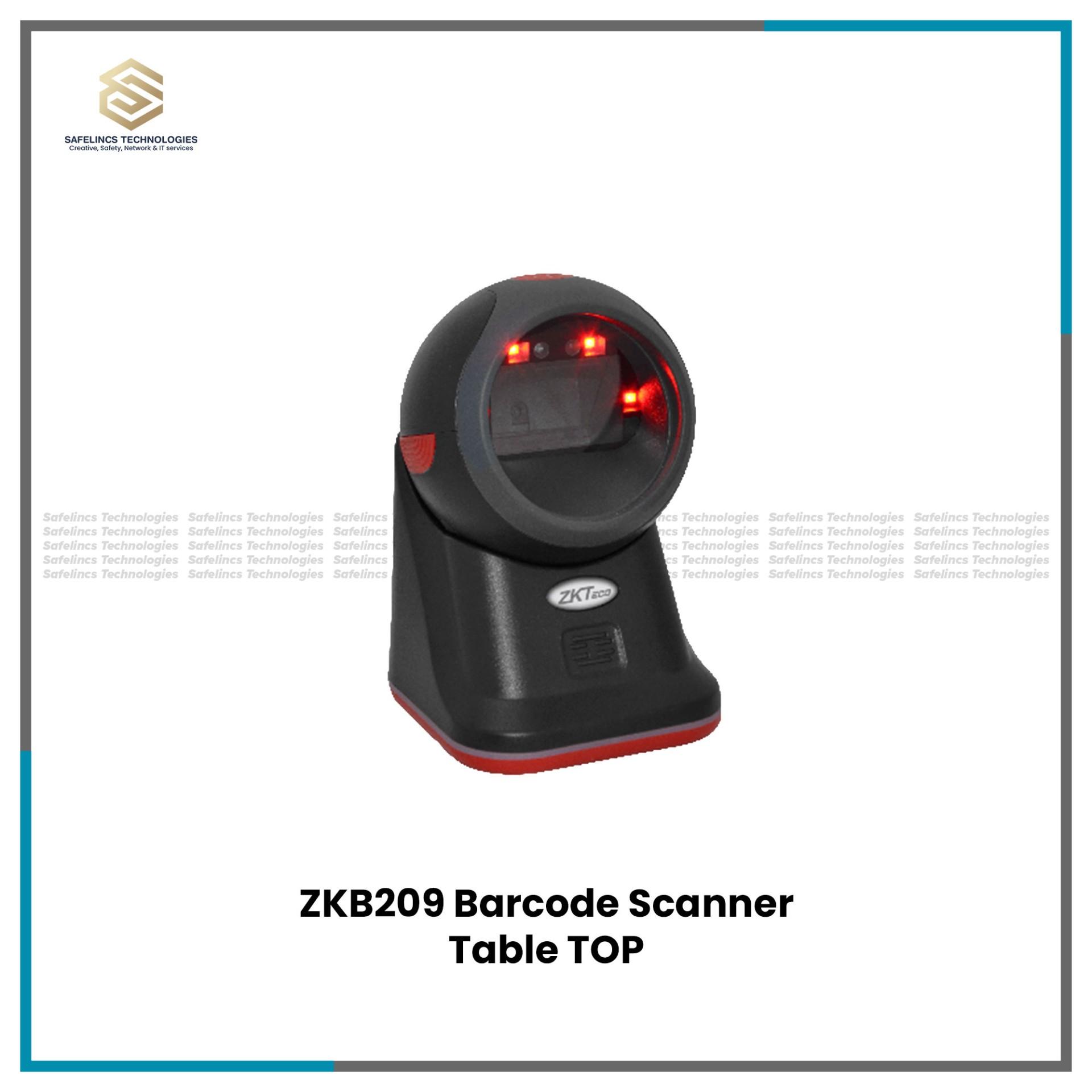
ZKTeco ZKB209 2D Barcode Scanner | Table ScannerRs. 14,300
Rs. 15,000-4% OFF
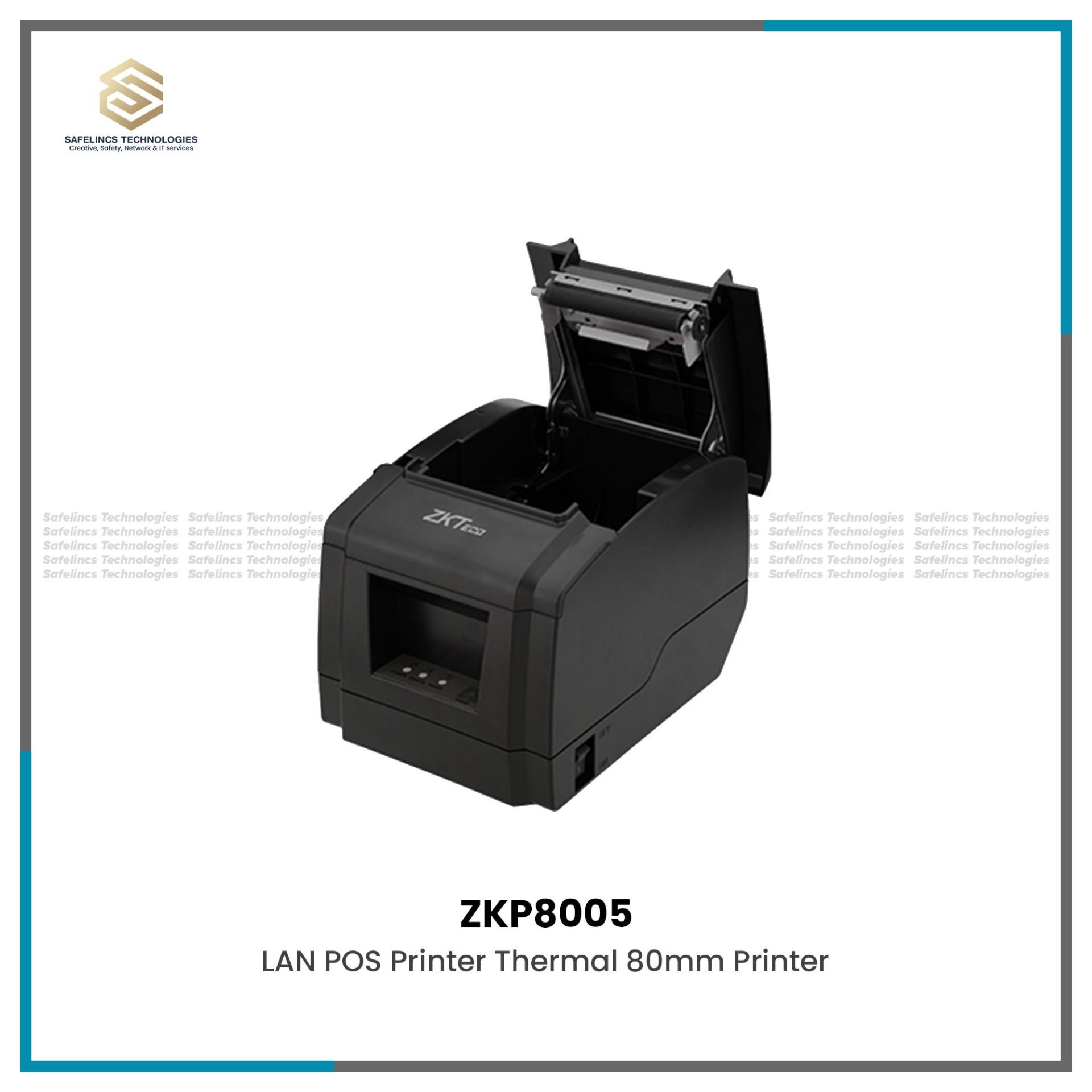
POS & Thermal Billing Receipt Printers
ZKP8005 High-Performance Thermal Receipt Printer with Auto-Cutter.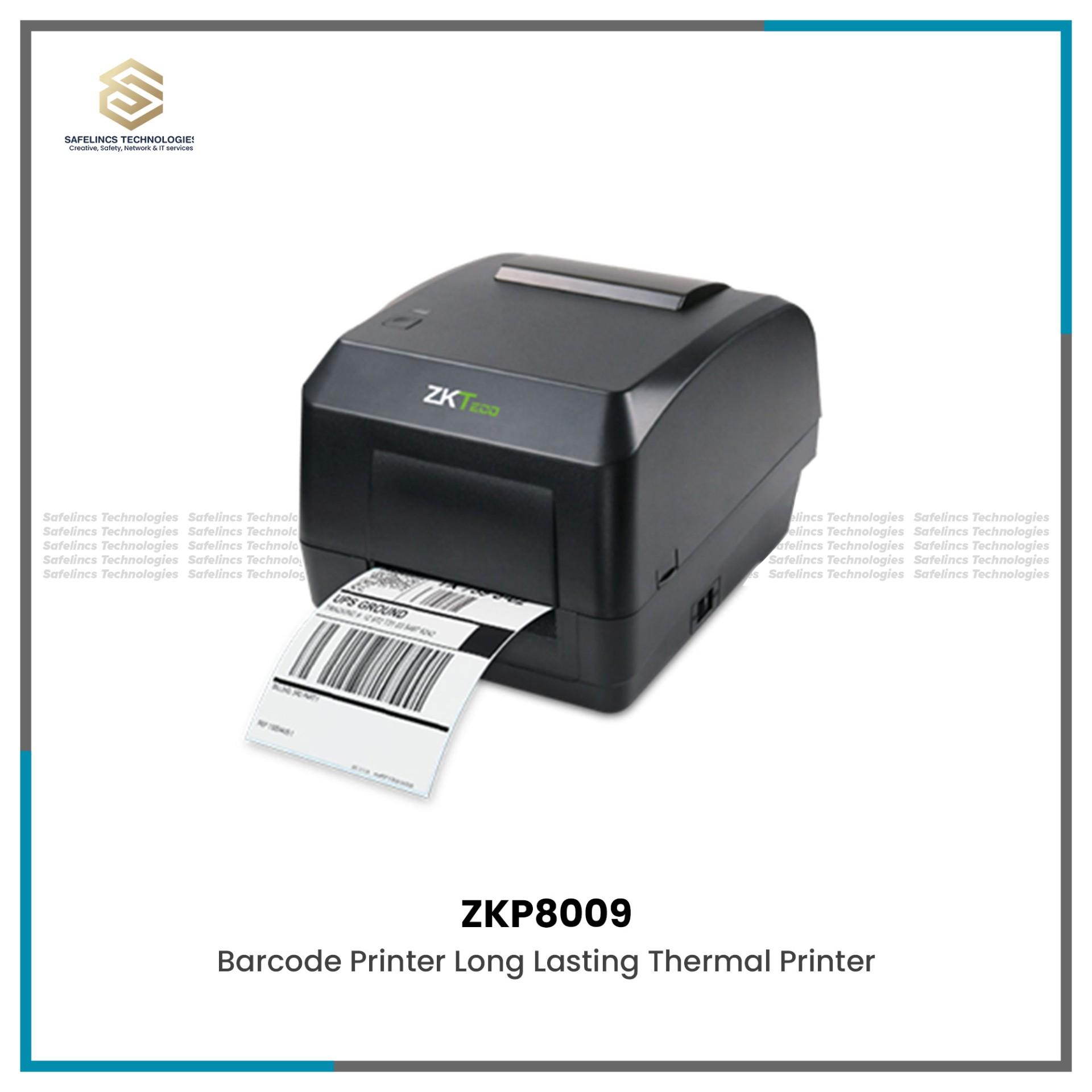
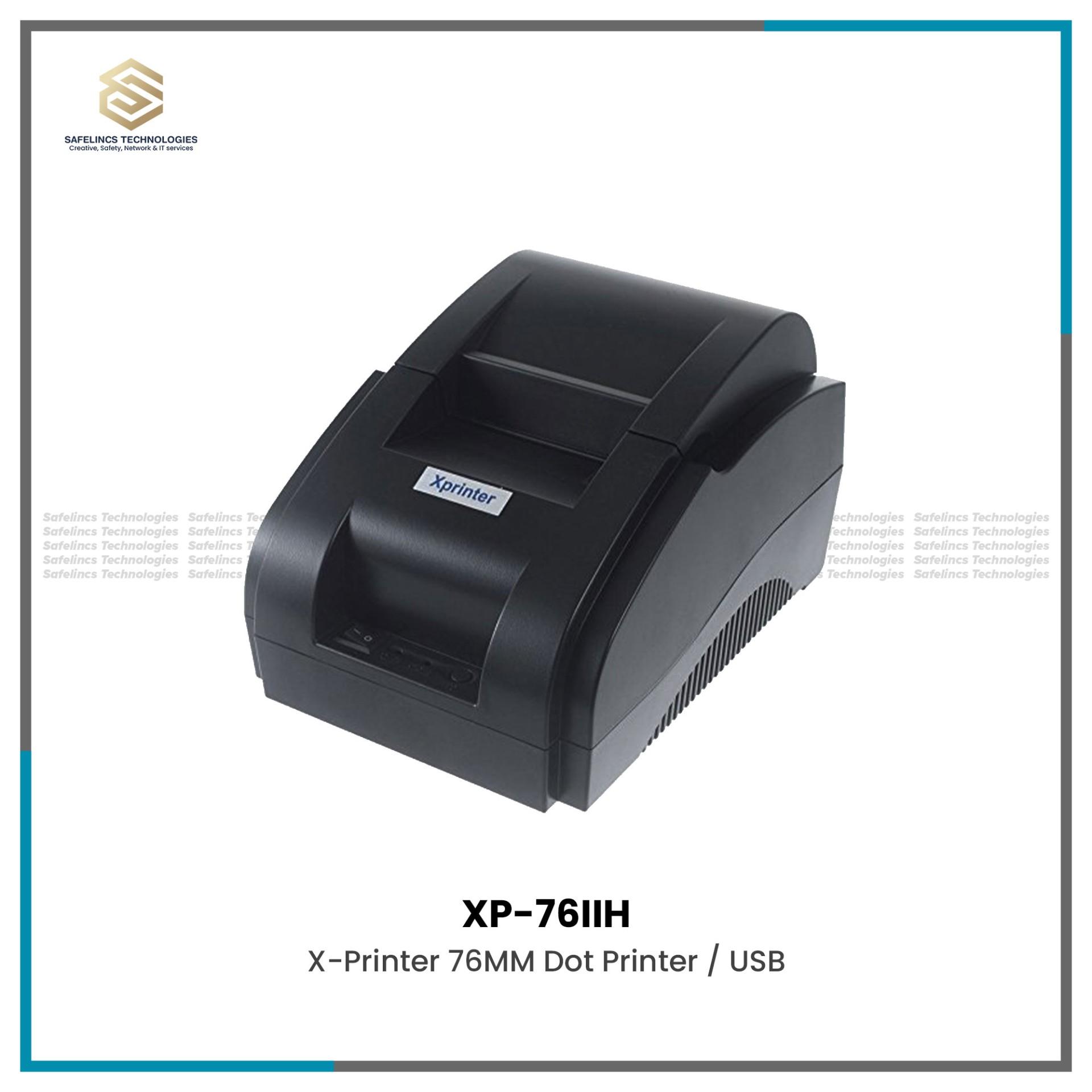
Safelincs is an office equipment supplier in Nepal, providing business technology for document processing, workforce management, physical access control, internal communication, retail billing and inventory operations. Our office equipment range includes printers, scanners and photocopy machines, biometric time attendance systems, door locks and access control systems, EPABX and IP intercom systems, barcode equipment and POS printing solutions.
Businesses can compare equipment according to user capacity, workload, connectivity, communication protocol, authentication technology, printing speed and system compatibility.
Office Equipment & Business Technology Solutions in Nepal
Modern office equipment is no longer limited to printers and photocopy machines. Business environments increasingly depend on interconnected systems for document processing, employee identification, access management, communication, billing and inventory control.
When selecting office equipment in Nepal, businesses should evaluate both hardware specifications and compatibility with their existing infrastructure. Important technical considerations may include LAN or Wi-Fi connectivity, USB interfaces, supported operating systems, device capacity, cloud or local management, API or software integration, network architecture and future scalability.
Safelincs provides business office equipment for corporate offices, retail stores, schools, hotels, institutions, warehouses and commercial organizations with different operational requirements.
Types of Office Equipment Available at Safelincs
1. Printers, Scanners & Photocopy Machines
Businesses should select printing and scanning equipment according to document volume, print quality, speed and workflow requirements.
Explore printers, scanners and photocopy machines suitable for different office environments.
Important technical specifications to compare include:
Printing technology: Laser, inkjet or thermal depending on application
Print speed: Usually measured in pages per minute (PPM)
Print resolution: Measured in DPI and relevant to text and image quality
Automatic duplexing: Enables automatic double-sided printing
ADF capacity: Important when scanning or copying multiple documents
Paper handling: Supported paper sizes, trays and input capacity
Connectivity: USB, Ethernet, Wi-Fi or network printing
Scanning resolution: Important for document digitization and archiving
Monthly duty cycle: Helps determine whether a printer can handle expected business workload
For multi-user offices, network-enabled printers can allow several computers to access a centralized printing device instead of requiring individual printers for each workstation.
2. Biometric Time Attendance Systems
Biometric time attendance systems use unique biological characteristics to authenticate employees and record attendance.
Depending on the device, authentication methods may include:
Fingerprint recognition
Facial recognition
RFID or proximity cards
PIN/password authentication
Multi-factor verification
Important technical considerations include:
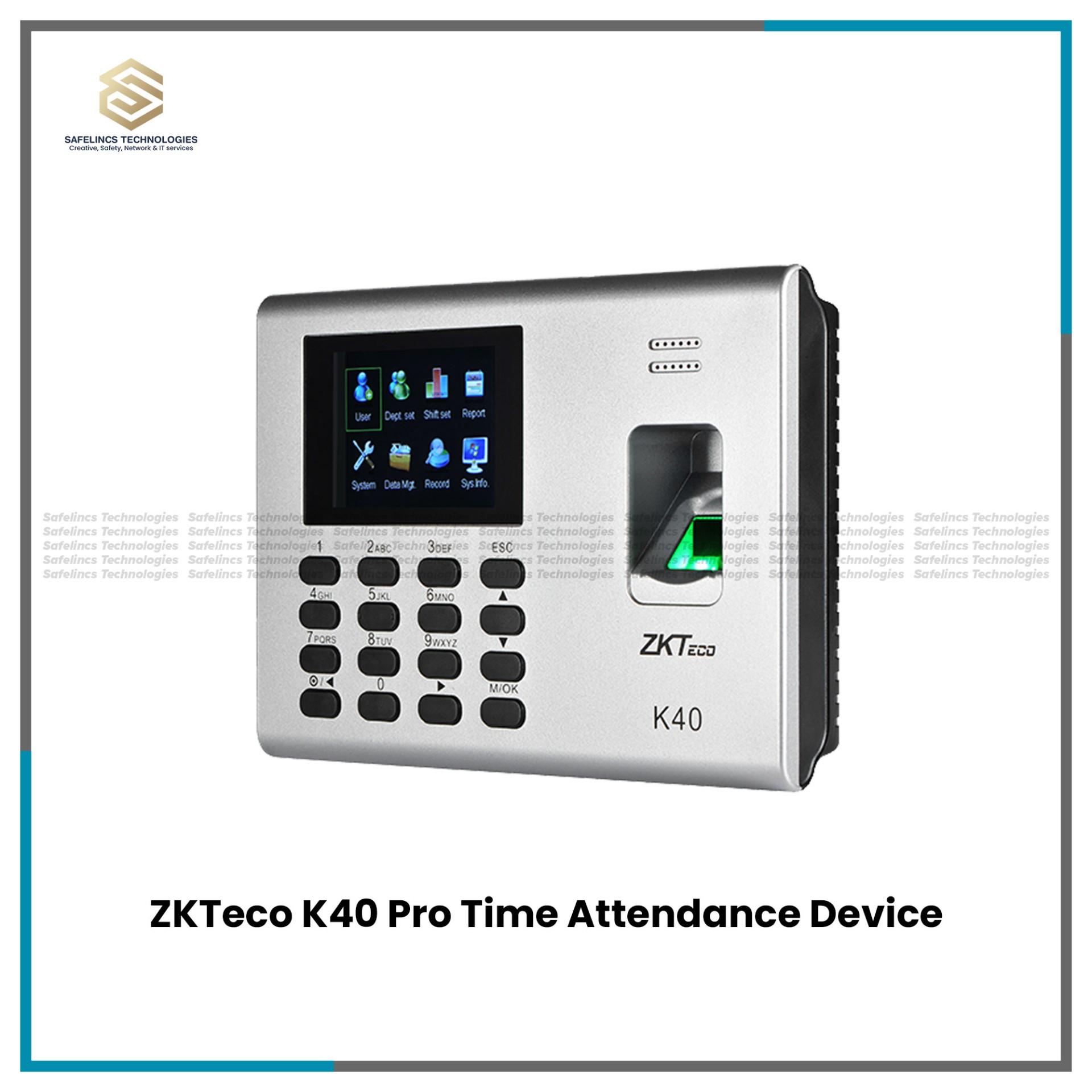
User Capacity: The maximum number of employees or identities that can be registered.
Fingerprint or Face Template Capacity: The number of biometric templates that can be stored inside the device.
Transaction Log Capacity: Determines how many attendance records the device can store before synchronization or export is required.
Communication: Devices may support TCP/IP, USB, Wi-Fi or other communication methods depending on the model.
Authentication Speed: The time required to identify or verify a registered user.
Attendance Software Integration: Businesses should check whether the attendance device can communicate with their required attendance, HR or payroll software.
Organizations can select biometric attendance solutions according to employee count, authentication method, installation environment and reporting requirements.
3. Door Locks & Access Control Systems
Door locks and access control systems are designed to regulate physical entry into offices, server rooms, restricted departments and commercial facilities.
A typical access-control installation may include:
Access controller
Card, fingerprint or facial reader
Electromagnetic or electronic lock
Exit button
Power supply
Door sensor
Management software
RFID cards or credentials
Authentication can be based on:
RFID card
Fingerprint
Face recognition
PIN
Mobile credentials
Multiple authentication methods
For larger installations, businesses should also consider whether the system supports centralized access management, user groups, time schedules, access logs and multi-door configurations.
Network-based systems can allow administrators to monitor access events from centralized management software.
Businesses requiring workplace entry management can explore access control solutions according to the number of doors, number of users and required authentication technology.
4. EPABX & IP Intercom Systems
PABX and IP intercom systems allow multiple departments, rooms or users to communicate through a centralized telephone architecture.
An EPABX system typically manages:
External telephone lines
Internal extensions
Extension-to-extension calling
Incoming call routing
Reception communication
Call transfer
Departmental communication
When selecting an EPABX system, businesses should consider:
Number of External Lines: Determines how many incoming or outgoing telephone connections can be supported.
Number of Extensions: Defines how many internal users or telephone endpoints can connect to the system.
Analog vs IP Architecture: Traditional EPABX systems may use analog lines, while IP-based systems can use network-based communication and VoIP technologies.
Scalability: Growing businesses should consider whether additional extensions or lines can be added later.
Intercom Capability: Useful for communication between departments, reception desks, security areas and hotel rooms.
Hotels, hospitals, educational institutions and larger offices with multiple departments can use EPABX and intercom systems to centralize internal communication.
5. Barcode Scanners & Barcode Printers
Barcode systems help retail stores, warehouses and inventory-based businesses identify products and process transactions faster.
Safelincs provides barcode scanners and barcode printers for retail, inventory and warehouse applications.
Barcode Scanner Technologies
Depending on the model, scanners may support:
1D barcodes
2D barcodes
QR codes
Printed labels
Screen-displayed codes
Common scanner technologies include laser and image-based scanning.
Important factors include:
Supported barcode formats
Scan speed
Scan distance
Wired or wireless connection
USB compatibility
Handheld or fixed mounting
Screen barcode recognition
A 2D barcode scanner can generally read both traditional linear barcodes and two-dimensional formats such as QR codes, depending on device support.
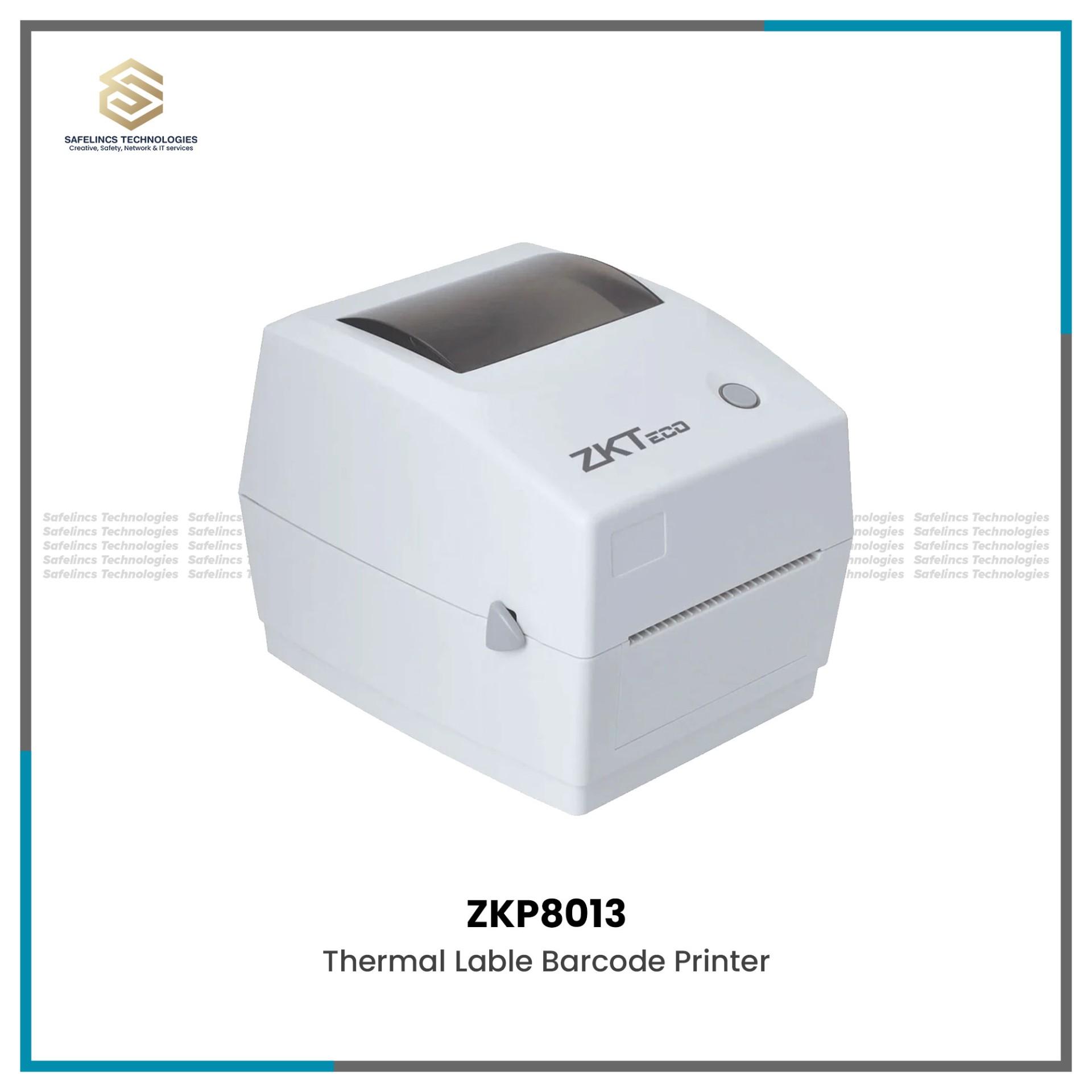
Barcode Printers
Barcode printers create labels for:
Product identification
Inventory tracking
Shipping
Asset management
Warehousing
Businesses should compare printing resolution, print width, label size, print speed and supported printing technology before selecting a barcode printer.
6. POS & Thermal Receipt Printers
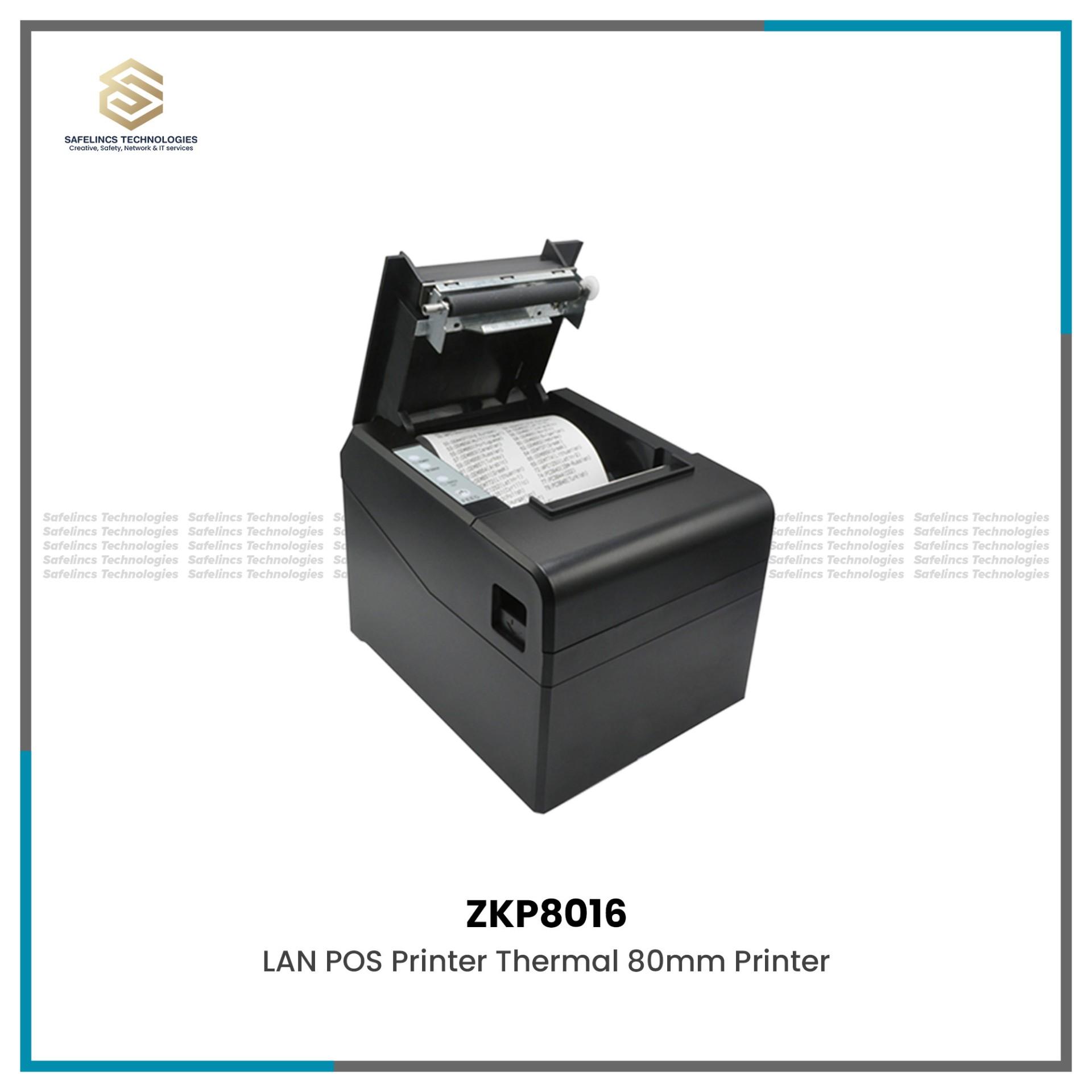
Retail stores, restaurants, supermarkets and billing counters commonly use POS and thermal billing receipt printers to print transaction receipts.
Thermal receipt printers use heat-sensitive paper rather than conventional ink cartridges.
Important technical specifications may include:
Paper width: Common POS formats vary according to the printer
Printing speed: Usually measured in millimeters per second
Print resolution: Determines receipt clarity
Interface: USB, Ethernet, serial or other interfaces depending on model
Auto cutter: Automatically cuts printed receipts
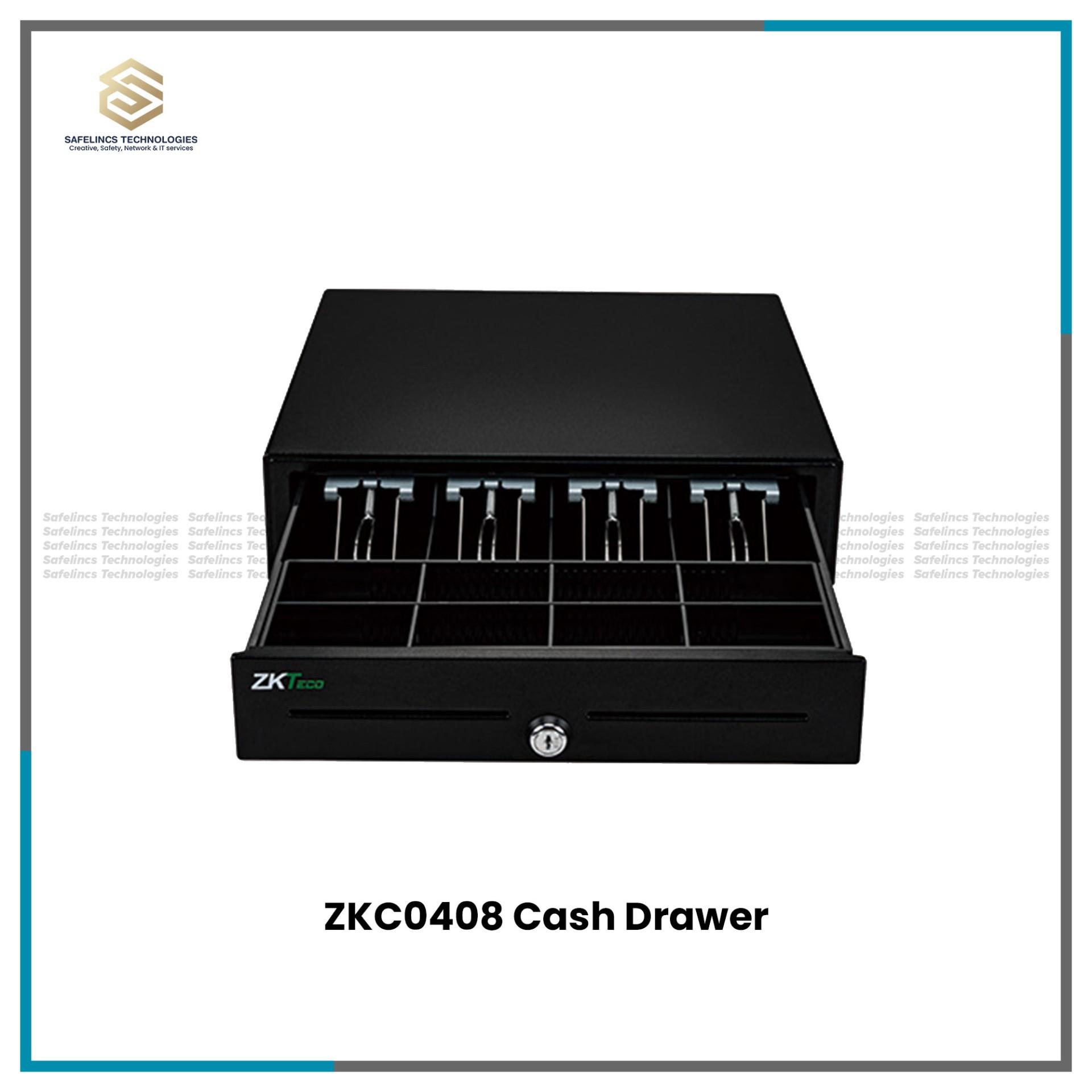
Cash drawer interface: Allows compatible cash drawers to open through the POS system
ESC/POS support: A commonly used command standard in POS environments
Operating system compatibility: Important when connecting to billing software
A complete retail billing setup may combine a thermal receipt printer with a barcode scanner, POS software, cash drawer and computer or POS terminal.
Office Equipment for Different Business Environments
1. Corporate Offices
Corporate workplaces may require multiple interconnected systems.Printers and scanners manage document workflows, while biometric attendance systems can record employee attendance.
For security-sensitive workplaces, access control systems can restrict access to designated rooms or departments. Larger offices may also use EPABX systems for internal extension-based communication.
2. Retail Stores & Supermarkets
Retail environments often require a combination of:
Barcode scanner
Barcode printer
POS software
Thermal receipt printer
Cash drawer
Computer or POS terminal
A barcode scanner reads product identification data, while a thermal billing printer generates the final customer receipt.
Businesses should verify that all hardware is compatible with their POS software before installation.
3. Schools & Educational Institutions
Schools and colleges can use biometric attendance systems for staff attendance, network printers for administrative departments and access control systems for laboratories, server rooms or restricted offices.
Device capacity should be selected according to the number of staff or registered users.
4. Hotels & Hospitality Businesses
Hotels may require EPABX and intercom systems to connect reception, rooms and operational departments.
Biometric attendance can help manage staff attendance, while access-control systems can be used for restricted employee or management areas.
5. Warehouses & Inventory-Based Businesses
Warehouses generally require fast product identification and inventory movement tracking.
Barcode scanners and barcode printers can support:
Inventory receiving
Stock identification
Product labeling
Asset tracking
Dispatch operations
For high-volume environments, businesses should compare scanning speed, supported barcode formats, connectivity and durability.
How to Choose the Right Office Equipment?
Selecting the right office equipment in Nepal requires more than comparing product prices.
1. Determine Required Capacity
Capacity should match current and expected future use.
Examples include:
Printer monthly workload
Number of biometric users
Number of access-control doors
Number of EPABX extensions
Barcode transaction volume
Choosing equipment with insufficient capacity may require premature replacement, while oversized systems may increase unnecessary cost.
2. Check Network & Connectivity Requirements
Modern office equipment may need to communicate with computers, servers or cloud-based applications.
Depending on the equipment, check for:
USB
Ethernet/LAN
Wi-Fi
Serial interface
TCP/IP
Software compatibility
Network management capability
Network architecture becomes especially important when multiple users or branches require access to the same system.
3. Check Software Integration
Hardware should be evaluated together with the software it needs to communicate with.
For example:
Biometric systems may integrate with attendance or payroll software.
Barcode scanners must communicate correctly with POS or inventory software.
Receipt printers must be supported by billing applications.
Access-control systems may require centralized management software.
Businesses should confirm compatibility before purchasing equipment.
4. Consider Scalability
Office requirements can increase as a company grows.
Businesses should consider whether:
Additional biometric users can be added
Additional access-control doors can be connected
EPABX extensions can be expanded
More printers can be connected to the network
POS equipment can support additional checkout counters
Scalability can reduce the need to replace an entire system during future expansion.
5. Consider Reliability, Warranty & Technical Support
Office equipment is often part of critical daily business operations.
Before purchasing, businesses should consider:
Manufacturer warranty
Spare-part availability
Technical support
Installation requirements
Maintenance
Software support
Consumables and accessories
Office Equipment Price in Nepal
The office equipment price in Nepal depends on technical specifications, capacity, technology, brand and intended application.
For example, pricing can vary according to:
Equipment | Main Factors Affecting Price |
Printer | Print speed, DPI, duplexing, connectivity, duty cycle |
Scanner | Scan speed, DPI, ADF capacity, duplex scanning |
Biometric System | User capacity, authentication technology, communication |
Access Control | Number of doors, reader type, controller capacity |
EPABX | Number of trunk lines and extensions |
Barcode Scanner | 1D/2D capability, scanning technology, connectivity |
Thermal Printer | Print speed, paper width, interface, cutter |
Barcode Printer | Resolution, printing width, speed, label support |
Businesses should compare specifications according to their operational requirements rather than selecting equipment based only on the lowest available price.
Customers can browse:
to compare available products and specifications.
Why Choose Safelincs as Your Office Equipment Supplier in Nepal?
Safelincs provides different categories of office equipment in Nepal for document management, employee attendance, security, business communication, billing and inventory operations.
Our office equipment categories include: Printers, scanners and photocopy machines, Biometric time attendance systems, Door locks and access control systems, EPABX and IP intercom systems, Barcode scanners and barcode printers and POS and thermal billing printers.
Businesses can compare equipment according to technical parameters such as capacity, connectivity, authentication method, interface, workload and compatibility before selecting a suitable system.
For larger installations involving biometric attendance, access control, EPABX or POS equipment, system planning should consider both present requirements and future expansion.
Frequently Asked Questions
1. What office equipment is commonly required by businesses?
Common business office equipment includes printers, scanners, photocopy machines, biometric attendance systems, access-control devices, EPABX systems, barcode scanners, barcode printers, thermal printers and POS equipment. The exact requirements depend on the business type, employee count, document volume and operational workflow.
2. What specifications should I check before buying office equipment?
Important specifications depend on the equipment type but may include capacity, processing or printing speed, network connectivity, communication interfaces, software compatibility, authentication technology, supported users and expansion capability.
3. How do I choose a biometric attendance system for an office?
Check the number of employees, supported authentication methods, biometric template capacity, attendance-log capacity, communication options and compatibility with attendance-management software.
4. What equipment is required for a POS billing system?
A typical POS environment may include a computer or POS terminal, billing software, barcode scanner, thermal receipt printer and cash drawer. The exact configuration depends on the business and POS software.
5. What is the difference between a 1D and 2D barcode scanner?
A 1D scanner is designed primarily for traditional linear barcodes. A 2D scanner can support two-dimensional codes such as QR codes in addition to compatible linear barcodes, depending on the scanner model.
6. How do I select an EPABX system?
Determine the number of external telephone lines and internal extensions required. Also consider whether future expansion, intercom functionality or IP-based communication may be needed.
7. Where can I buy office equipment in Nepal?
Safelincs provides office equipment in Nepal for offices, retail businesses, educational institutions, hotels, warehouses and other commercial environments. Customers can compare different equipment categories according to technical requirements, capacity and intended use.