
EPABX & IP INTERCOM SYSTEM
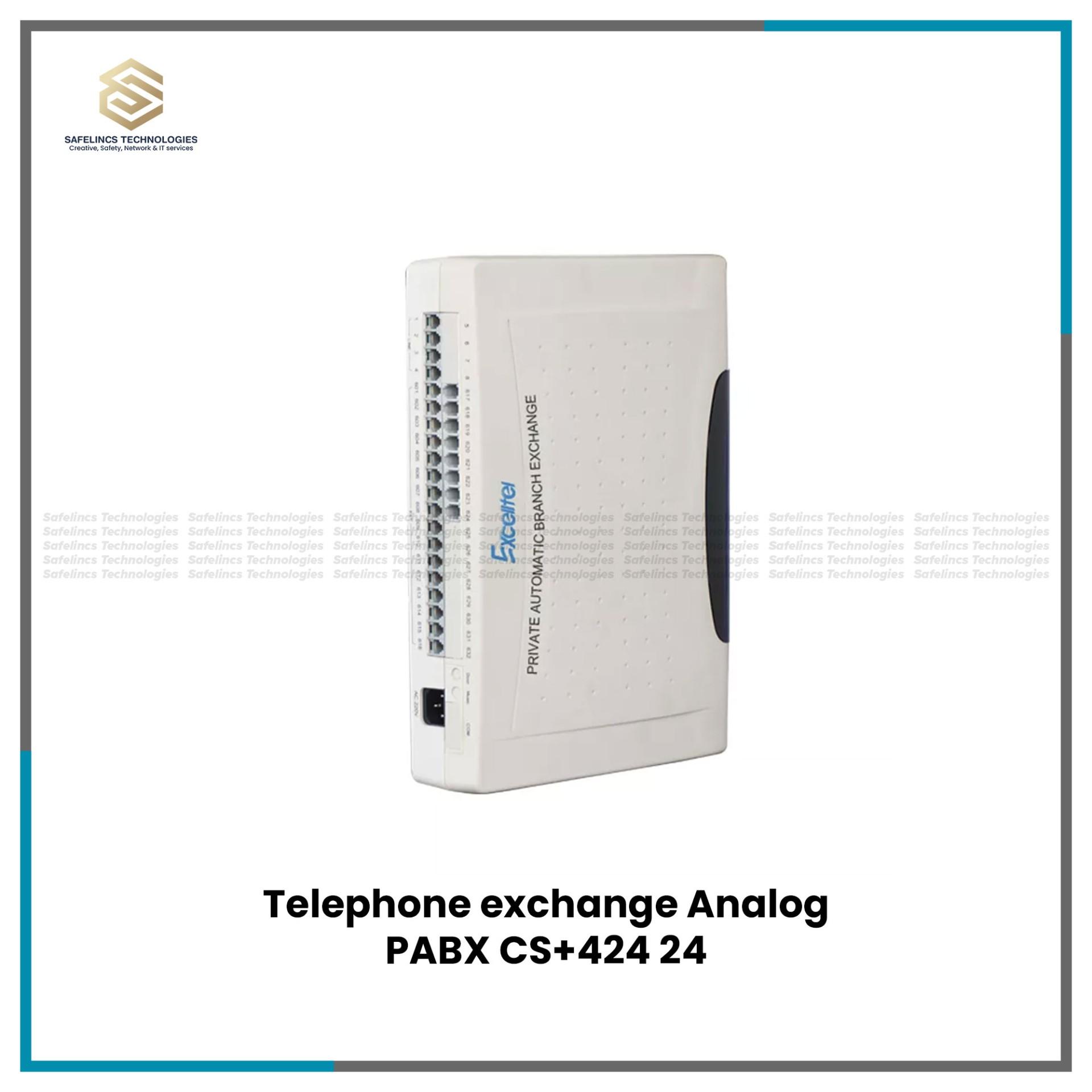

Excelltel EPABX Intercoms
Excelltel 32ch intercom EPABX 4 CO-32 ExtensionsRs. 31,500
Rs. 35,000-10% OFF
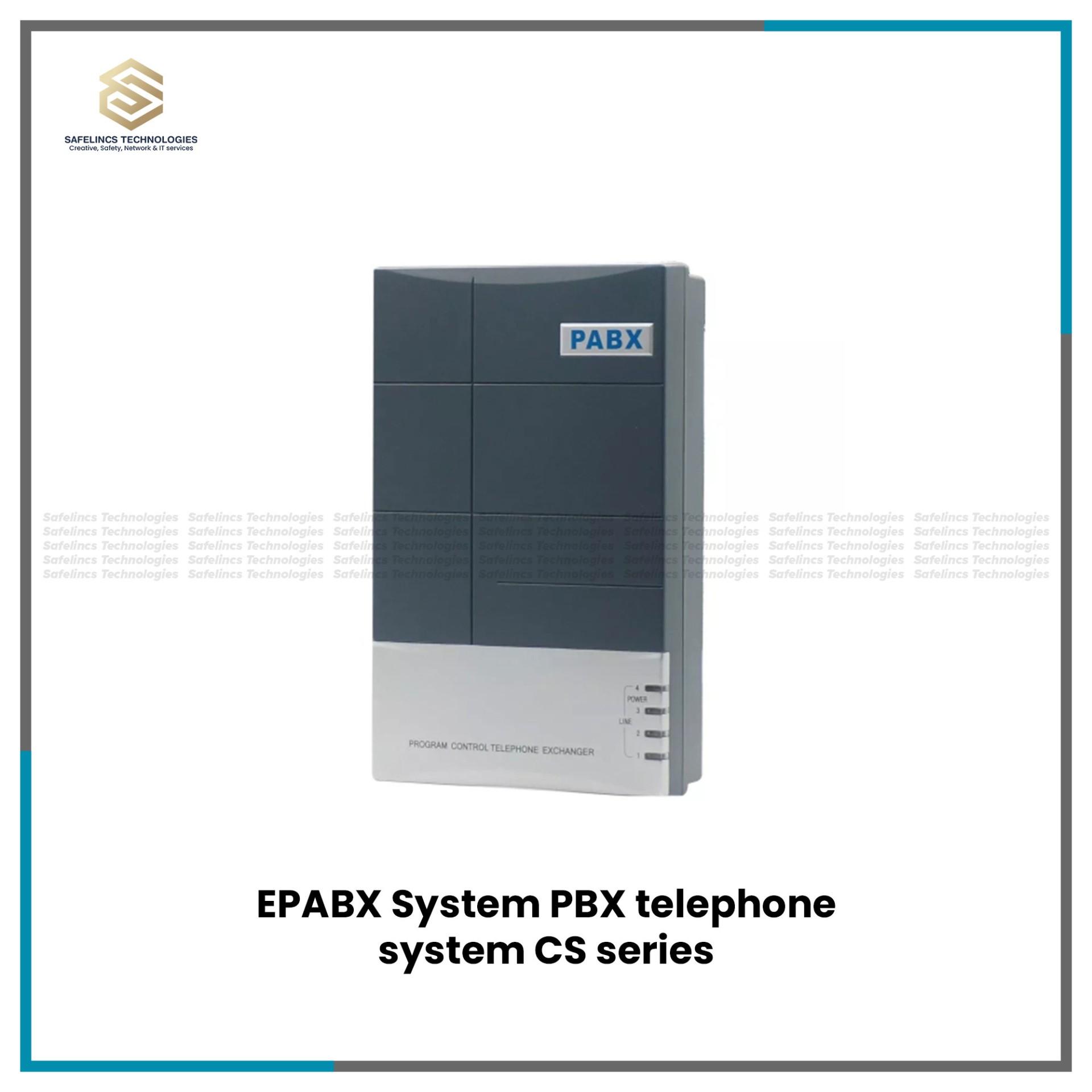
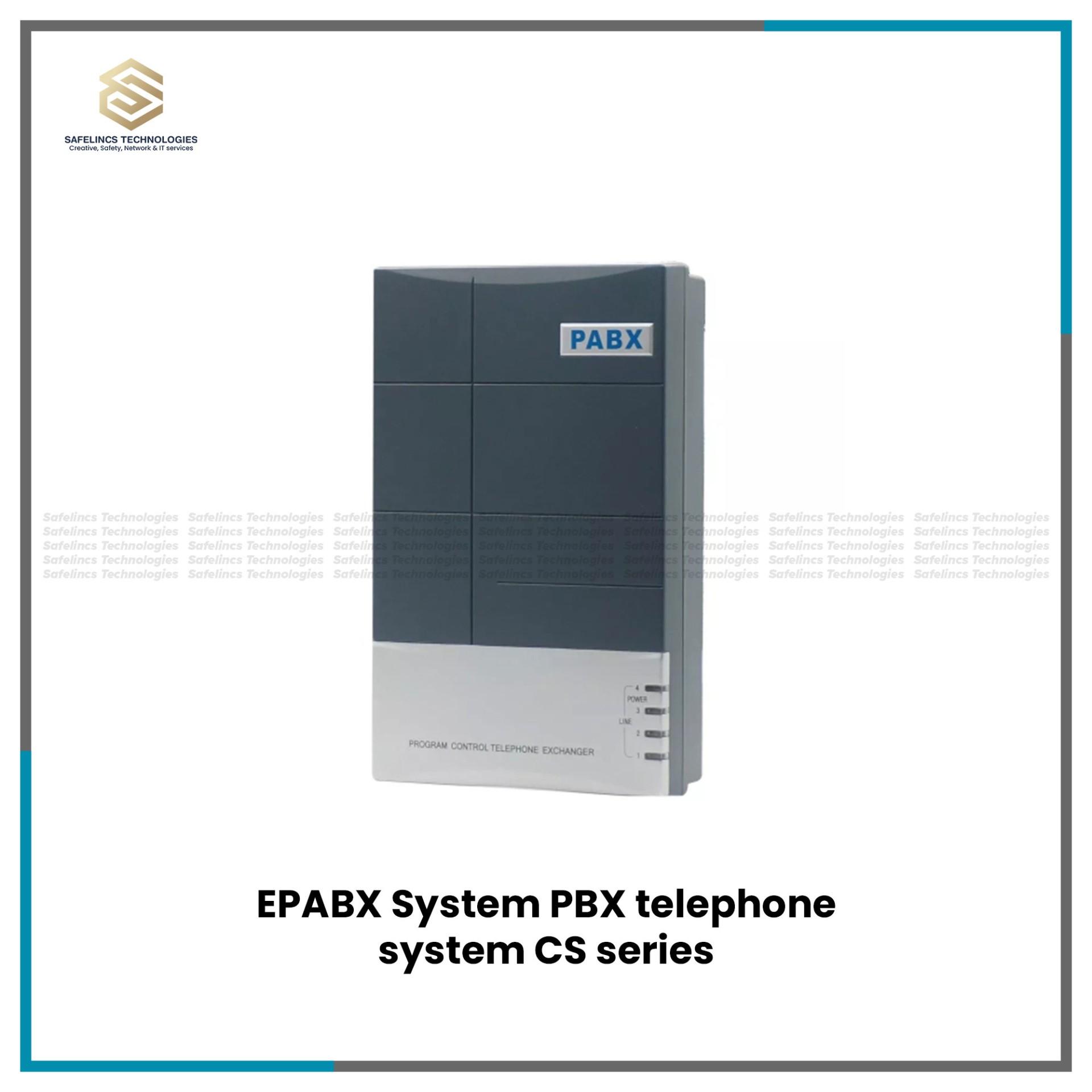
An EPABX system is a private telephone switching system designed to manage communication between multiple internal telephone extensions while providing controlled access to external telephone lines. EPABX stands for Electronic Private Automatic Branch Exchange, and the system acts as the central communication point between an organization's internal telephone network and external telephone services.
In a typical office environment, separate departments such as reception, administration, accounts, sales, security and management can each have their own extension number. Instead of requiring an independent external telephone line for every employee or department, the EPABX manages multiple internal extensions and allows them to share the available external lines.
A simplified EPABX architecture can be represented as: External Telephone Lines → EPABX Switching Unit → Extension Ports → Internal Telephone Extensions
Safelincs Technologies provides EPABX systems in Nepal for offices, hotels, hospitals, educational institutions, warehouses, factories and other organizations that require centralized telephone and intercom communication. Available configurations include Excelltel EPABX systems with different CO-line and extension capacities, allowing the system to be selected according to the actual communication requirement.
For organizations building broader IT and communication infrastructure, Safelincs also supplies networking, security and digital infrastructure products for commercial installations.
What Is an EPABX System?
An EPABX system is essentially a private automatic telephone exchange installed within an organization. Its primary function is to establish and manage telephone connections between internal extensions and route calls between those extensions and external telephone networks.
For example, an organization might configure its telephone extensions as:
101: Reception
102: Accounts
103: Sales
104: Administration
105: Security
106: Manager
When extension 101 calls extension 103, the EPABX establishes the connection internally. The call does not need to travel through an external telephone network. When extension 103 needs to call an external number, the EPABX selects an available external or CO line and establishes the outgoing connection.
This switching capability is one of the major differences between an EPABX telephone system and a simple point-to-point intercom.
The EPABX also provides a centralized location for configuring extension numbers, call-routing behaviour, external-line access and other supported telephone functions. The exact capabilities depend on the selected EPABX model.
EPABX System Architecture and Main Components
Understanding the architecture of an EPABX system is important before selecting a particular model. The number of external lines, internal extensions, physical ports and required telephone functions all influence system capacity.
A typical architecture is:
PSTN / External Telephone Network
↓
CO / Trunk Lines
↓
EPABX Main Unit
↓
Extension Ports
↓
Telephone Cabling
↓
Telephone Handsets
Each component performs a different function within the communication system.
1. EPABX Main Switching Unit
The EPABX unit is the central component of the telephone system. It receives call requests from connected extensions, determines the required destination and establishes the appropriate communication path.
For internal calls, the switching unit connects one extension to another. For external calls, it connects an authorized internal extension to an available CO or trunk line.
Depending on the model, the EPABX may also manage functions such as call transfer, call forwarding, operator assignment, call restrictions, conference calling and other programmable telephone features.
Because all extensions depend on this central unit, the capacity of the EPABX should be selected according to both current requirements and reasonable future expansion.
2. CO Lines or Trunk Lines
A CO line is an external telephone line connected to the EPABX. CO commonly refers to Central Office, representing the connection between the private EPABX environment and the external telephone network.
For example, consider a system specified as: 4 CO × 16 Extensions
This indicates that the system configuration supports up to four external lines and up to sixteen internal extension connections, subject to the specifications of the particular model.
The number of CO lines is particularly important because it influences external call capacity. Having sixteen internal extensions does not automatically mean that sixteen users can simultaneously make separate external calls.
If only four external lines are available, external call capacity is constrained by those available lines and the way the system is configured.
3. Internal Telephone Extensions
An extension is an internal telephone endpoint connected to the EPABX. Instead of assigning a separate public telephone number to every desk or department, each telephone can be assigned an internal extension number.
For example: External Number → EPABX → Reception Extension 101
Reception can then transfer the call to:
Sales: 102
Accounts: 103
Administration: 104
This makes internal communication easier while reducing the need for independent external lines for every employee. Extension capacity should therefore be calculated according to the actual number of telephone endpoints required throughout the building.
4. Extension Ports
Extension ports are the physical interfaces through which internal telephone lines connect to the EPABX unit. A system with 16-extension capacity can support up to the specified number of extension connections according to its hardware configuration.
When planning capacity, it is useful to consider not only currently occupied desks but also:
Reception
Individual departments
Management offices
Security desks
Meeting or conference areas
Warehouses
Remote sections of the same premises
Planned future extensions
Selecting a system with no spare capacity may require replacement or additional hardware when the organization expands.
5. Telephone Cabling
Traditional EPABX installations require physical cabling between the EPABX distribution point and individual telephone outlets. Cable routing should be planned so that each extension has a reliable connection back to the EPABX or telephone distribution infrastructure.
Poor termination, damaged cable, incorrect pair identification or unsuitable routing can create problems such as noise, intermittent connectivity or complete loss of an extension.
Organizations developing broader structured network infrastructure can also explore Safelinc's networking and IT infrastructure products for related commercial requirements.
6. Telephone Handsets
Telephone handsets are the user endpoints connected to the extension circuits. The EPABX provides the switching and call-management functions, while the telephone allows the user to initiate, receive and control calls.
Compatibility should be checked according to the selected EPABX model and required features. A basic telephone may provide standard calling functions, while specific system features may depend on the EPABX configuration, external service and connected telephone equipment.
How Does an EPABX System Work?
The EPABX system working principle can be understood by separating calls into internal, incoming external and outgoing external communication.
The EPABX continuously manages the relationship between extensions and external lines and establishes a communication path according to the number dialled and the programmed system rules.
1. Internal-to-Internal Calling
When one employee calls another employee using an extension number, the EPABX processes the dialled digits and determines which internal extension should receive the call.
For example: Extension 101 → EPABX → Extension 105
The EPABX creates the connection internally. An external telephone line is generally not required for this internal extension-to-extension communication.
This makes an EPABX intercom system particularly useful in buildings where employees in different rooms, floors or departments need frequent voice communication.
2. Incoming External Calls
An incoming call follows a different route: External Caller → Telephone Network → CO Line → EPABX → Assigned Extension/Operator
The external telephone network delivers the call through one of the connected lines. The EPABX then routes it according to its configured incoming-call behaviour.
For example, an organization may configure incoming calls to reach reception first.
The flow becomes: Customer → Company Number → EPABX → Reception
Reception can answer the call and, where the system supports the required function, transfer it to the appropriate extension.
Reception → EPABX → Accounts
or
Reception → EPABX → Sales
This allows a business to use centralized public contact numbers while maintaining many internal telephone extensions.
3. Outgoing External Calls
When an internal user needs to call an external number, the call direction is reversed:
Internal Extension → EPABX → Available CO Line → External Telephone Network → Destination
The EPABX determines whether the extension is permitted to access an external line and routes the call through an available connection according to the configured system behaviour. This is why both extension capacity and CO-line capacity need to be considered when selecting an EPABX system.
4. Call Transfer
Call transfer is an important function in office telephone environments.
Consider an incoming customer call: Customer → EPABX → Reception → Sales Department
People in reception first receive the call. After identifying the required department, the call can be transferred through the EPABX to the appropriate internal extension where supported and configured.
This eliminates the need to ask the customer to disconnect and call another telephone number for each department.
Understanding CO Lines and Extensions
CO lines and extensions are sometimes confused when comparing EPABX products, but they represent two different capacities.
1. CO Lines
CO lines represent external telephone connections available to the EPABX.
2. Extensions
Extensions represent internal telephone endpoints connected to the system.
Consider an Excelltel 4 × 16 EPABX system.
The configuration can be interpreted as:
4 = External/CO Line Capacity
16 = Internal Extension Capacity
Therefore, a system can connect multiple internal users even though it has fewer external telephone lines. This is one of the main advantages of EPABX architecture: organizations can create a relatively large internal telephone network without requiring an independent external line for every extension.
EPABX System Capacity and Configuration
Selecting the correct system capacity is an important technical decision. A system that is too small may limit expansion, while an unnecessarily large system may provide capacity that the organization does not require.
Safelincs offers Excelltel EPABX systems in several configurations.
1. 2 CO Line / 8 Extension EPABX System
A 2 × 8 EPABX configuration provides capacity for two external CO lines and eight internal extensions according to the supported model specification. This type of configuration may be considered for smaller communication environments where only a limited number of internal telephone points are required.
For example, extensions could potentially be allocated to: Reception, Accounts, Sales, Administration, Manager, Security, Store and Meeting Area.
Actual system design should still be based on the organization's calling requirements rather than simply the number of employees.
2. 4 CO Line / 16 Extension EPABX System
A 4 × 16 EPABX system provides greater external-line and internal-extension capacity. With up to sixteen extension positions according to the relevant model specification, the system can accommodate more departments, desks or operational areas.
When evaluating an EPABX system 16 port configuration, consider how many extensions are required immediately and how many may be required after future expansion.
A company requiring twelve extensions today, for example, may prefer to maintain additional capacity rather than installing a system operating at its maximum extension count from the beginning.
3. 4 CO Line / 24 Extension EPABX System
A 4 × 24 configuration increases the number of internal endpoints while maintaining the specified four-CO-line configuration. This can be useful for organizations with multiple departments or more extensive internal communication requirements.
The additional extension capacity does not automatically increase external call capacity. External call availability still depends on the connected external telephone services and system configuration.
This distinction should be considered when comparing EPABX systems purely by their extension count.
4. 4 CO Line / 32 Extension EPABX System
A 4 × 32 configuration provides higher internal extension capacity for organizations requiring a larger private telephone network.
The additional extension ports can be distributed across different departments, floors or operational sections according to the cabling and telephone infrastructure.
For larger premises, telephone distribution should be carefully planned so that extension numbering, cable identification and physical termination remain organized and maintainable.
Key Technical Features of an EPABX Telephone System
The capabilities of an EPABX telephone system extend beyond simply connecting telephone extensions. Depending on the selected Excelltel model and configuration, supported features may include various call-management functions.
Always verify the specification of the individual product before assuming a particular feature is available.
1. Extension-to-Extension Calling
Internal extension calling allows users connected to the same EPABX to communicate through assigned extension numbers. This provides a private internal communication environment and can reduce unnecessary use of external telephone lines.
2. Call Transfer
Call transfer allows an active call to be redirected from one extension to another. This is particularly important for reception-based communication where a central operator receives incoming calls and distributes them to the appropriate department.
3. Call Forwarding
Where supported, call forwarding can redirect calls from one extension to another according to configured conditions. This can help maintain communication when a particular extension is unattended.
4. Call Hold
Call hold temporarily maintains an active connection while the user performs another supported telephone operation. This can be useful when reception needs to verify information or prepare to transfer a caller.
5. Call Pickup
Where supported, call pickup allows an authorized user to answer a call that is ringing at another extension. This can be useful in departments where several employees need to handle incoming calls.
6. Conference Calling
Supported EPABX systems may provide conference functions that allow multiple parties to participate in the same call. The number of participants and exact conference functionality depend on the system specification.
7. Caller ID
Caller ID functionality can display information associated with an incoming call when supported by the external telephone service, EPABX and connected telephone equipment. Compatibility should therefore be considered across the entire telephone path rather than assuming that the EPABX alone determines Caller ID availability.
Digital EPABX System vs Basic Intercom System
An EPABX and a basic intercom can both provide internal communication, but their system architecture and functions are different. A basic intercom is primarily designed to establish communication between internal points. An EPABX system, on the other hand, acts as a telephone exchange and can manage both internal extension communication and external telephone lines.
A simplified comparison is:
Function | EPABX System | Basic Intercom |
Internal communication | Yes | Yes |
Internal extension numbers | Yes | Depends on system |
External telephone lines | Yes | Usually limited/not primary purpose |
Call switching | Yes | Basic |
External line sharing | Yes | Generally not the main function |
Call transfer | Model dependent | Usually limited |
Call forwarding | Model dependent | Usually limited |
Centralized telephone management | Yes | Limited |
This is why the terms EPABX system and EPABX intercom system are sometimes used together commercially, even though an EPABX provides broader telephone-switching functionality.
EPABX System Installation and Cabling
Proper EPABX system installation requires planning beyond mounting the main unit and connecting telephone handsets. The complete infrastructure can be represented as:
External Telephone Service
↓
CO Line Termination
↓
EPABX Main Unit
↓
Extension Distribution
↓
Telephone Cabling
↓
Telephone Outlets
↓
Telephone Handsets
Each stage should be correctly identified, terminated and tested.
1. EPABX Location
The EPABX should be installed in a suitable location that allows organized access to incoming telephone lines, extension cabling and power. The location should also make future troubleshooting and extension changes practical.
For larger IT environments, communication equipment may form part of a broader structured infrastructure alongside network switches, patch panels and other equipment. Safelincs provides managed network switches in Nepal for Ethernet-based network infrastructure.
2. Extension Cabling
Each wired telephone extension requires an appropriate physical connection between the EPABX/distribution infrastructure and the telephone outlet. During installation, cables should be properly identified so technicians can determine which physical cable corresponds to each extension.
For example:
Port 01 → Extension 101 → Reception
Port 02 → Extension 102 → Accounts
Port 03 → Extension 103 → Sales
Proper labelling becomes increasingly important as the number of extensions grows.
3. CO Line Connection
External telephone lines must be connected to the designated CO/trunk interfaces according to the EPABX manufacturer's installation requirements. Incorrect connection or programming can prevent incoming or outgoing calls from operating correctly. The number and type of external telephone services should therefore be confirmed before the EPABX model is selected.
4. Extension Programming
After the physical connections are completed, the system may require programming according to the selected model. Configuration can include extension assignments, external-line access, incoming call routing, operator settings and supported call-management functions. Programming should follow the manufacturer's documentation for the specific model.
5. System Testing
A properly commissioned EPABX system should be tested systematically.
Testing should include:
Extension-to-extension calls
Incoming external calls
Outgoing external calls
Call transfer
Extension ringing
External-line access
Caller ID where applicable
Other configured features
Testing each extension individually can identify wiring, termination or programming problems before the system enters normal operation.
How to Choose the Right EPABX System?
Selecting an EPABX based only on EPABX system price can result in a system that does not match the organization's communication requirements.
The following technical factors should be evaluated.
1. Calculate the Required Number of Extensions
First determine how many telephone endpoints need to be connected. Do not simply count departments. Count the actual required telephone positions.
For example:
Reception: 2
Accounts: 3
Sales: 5
Administration: 2
Management: 2
Security: 1
Total required extensions = 15
A system supporting only eight extensions would therefore be insufficient.
2. Determine External Line Requirements
Next determine how many external telephone lines are required. A company may have many internal extensions but only require a smaller number of simultaneous external connections.
The relationship can be expressed as: Internal Users ≠ Required External Lines
This is why an EPABX may support 16, 24 or 32 extensions while having a smaller number of CO lines.
3. Plan for Future Expansion
EPABX capacity should not necessarily be selected exactly according to current usage. If a company currently requires fourteen extensions but expects to add departments or employees, selecting a system with additional supported extension capacity may reduce the need for early replacement.
Expansion planning should consider both internal extension requirements and external communication demand.
4. Identify Required Call Features
Before selecting a model, identify required functions such as:
Call transfer
Call forwarding
Caller ID
Call pickup
Conference calling
Operator functions
Call restrictions
Then verify these functions against the specification of the individual EPABX model.
5. Assess Existing Cabling
An EPABX cannot provide reliable communication if the physical telephone infrastructure is poorly installed. Existing cable routes, outlets, distribution points and terminations should be inspected when reusing an older telephone network.
For projects involving both communication and IP-based infrastructure, Safelincs also supplies Network Video Recorders, network switches and other networking equipment.
6. Consider Power and Backup
Because the EPABX is the central switching point, loss of power can affect connected communication services depending on the equipment and system design. Power requirements should therefore be considered during installation, including whether backup power is required for the organization's communication needs.
EPABX System Price in Nepal
The EPABX system price in Nepal depends on system capacity, model, supported features and the overall telephone infrastructure required for the installation. A small 2 × 8 configuration and a larger 4 × 32 configuration do not provide the same extension capacity, so they should not be compared on price alone.
Factors that can affect overall EPABX system cost include:
Number of CO lines
Number of extensions
EPABX model
Required call-management features
Telephone handsets
Cabling requirements
Telephone outlets and accessories
Installation complexity
Programming and configuration requirements
Customers should therefore first determine the required system capacity and then compare compatible products. Check the product listings above for the current Safelincs prices and available Excelltel configurations.
Applications of EPABX Systems
EPABX systems can be used in environments where multiple departments or locations within the same organization require reliable internal telephone communication.
1. Offices and Corporate Buildings
In an office, an EPABX can connect reception, accounts, sales, administration, management, security and other departments through internal extension numbers. Incoming customer calls can reach a central reception point and then be transferred internally to the appropriate department.
For example: Customer → Company Telephone Number → EPABX → Reception → Sales Extension
This provides centralized call handling without requiring a separate public telephone number for every employee.
Organizations developing a broader office security infrastructure can also combine their communication planning with CCTV surveillance systems. Safelinc's CCTV range includes systems for offices, shops, warehouses, schools and other commercial applications.
2. Hotels
Hotels may require telephone communication between reception, administration, management and operational departments. An appropriately designed EPABX provides a central switching point through which different extensions can communicate.
The number of extensions should be calculated according to the actual telephone points required throughout the property rather than simply according to the number of departments.
3. Hospitals and Healthcare Facilities
Hospitals and healthcare organizations may require communication between reception, administration, departments, security points and other operational locations. An EPABX can establish a structured extension-numbering system so staff can reach internal locations without relying on separate external calls.
For larger facilities, extension capacity and cabling distribution should be planned carefully because telephone points may be spread across multiple floors or sections.
4. Schools and Colleges
Educational institutions can use an EPABX to connect reception, administration, accounts, department offices, staff areas, security and other internal communication points.
For example:
Reception: Extension 101
Administration: 102
Accounts: 103
Principal's Office: 104
Security: 105
Internal extension calling provides a direct communication path between these areas.
5. Warehouses and Factories
Warehouses and industrial facilities often have offices and operational areas separated by significant physical distances. Telephone extensions can be positioned at security posts, administration offices, warehouses, control areas and management sections.
When communication, networking and surveillance infrastructure are being planned together, businesses can also explore Safelinc's CCTV surveillance cameras and systems and managed network switches.
Excelltel EPABX Systems
Safelincs provides Excelltel EPABX products in multiple configurations for different extension requirements. Instead of choosing a model only according to price, compare its external-line and internal-extension capacities.
1. Excelltel 2 × 8 EPABX
2 CO lines + 8 extensions
Suitable where the required internal telephone network is relatively small.
2. Excelltel 4 × 16 EPABX
4 CO lines + 16 extensions
Provides additional external-line and extension capacity for organizations requiring more telephone endpoints.
3. Excelltel 4 × 24 EPABX
4 CO lines + 24 extensions
Provides increased internal extension capacity for larger communication requirements.
4. Excelltel 4 × 32 EPABX
4 CO lines + 32 extensions
Designed for environments requiring a larger number of internal telephone endpoints. Always check the individual product specification for supported functions, interfaces and configuration details before purchasing.
Why Choose Safelincs for EPABX Systems in Nepal?
Safelincs Technologies supplies IT, networking, security and office technology products in Nepal. Its broader product portfolio includes active and passive network products, CCTV surveillance equipment, network devices and office automation products.
Customers planning a complete office technology environment can therefore explore related Safelincs categories such as: CCTV Surveillance Cameras & Systems, Network Video Recorders and Managed Network Switches
The correct EPABX should ultimately be selected according to CO-line capacity, extension capacity, required telephone functions, cabling infrastructure, expansion requirements and overall communication architecture, rather than price alone.
Frequently Asked Questions
1. What is an EPABX system?
An EPABX system is a private telephone switching system that connects multiple internal telephone extensions and manages their access to external telephone lines.
2. What is the full form of EPABX?
EPABX stands for Electronic Private Automatic Branch Exchange.
3. How does an EPABX system work?
An EPABX receives call requests from connected telephone extensions and switches the call either to another internal extension or to an available external telephone line depending on the number dialled and the system configuration.
4. What is a CO line in an EPABX system?
A CO line is an external telephone connection linked to the EPABX. It provides a communication path between the organization's private telephone system and the external telephone network.
5. What is an extension in an EPABX system?
An extension is an internal telephone endpoint connected to the EPABX and typically assigned its own internal number, such as 101, 102 or 103.
6. What does a 4 × 16 EPABX system mean?
A 4 × 16 configuration generally refers to an EPABX designed for four external/CO lines and sixteen internal extensions, subject to the exact specification of the selected model.
7. Is EPABX the same as an intercom?
Not exactly. Both can provide internal communication, but an EPABX is a telephone exchange capable of managing internal extensions and external telephone lines, whereas a basic intercom is primarily intended for communication between internal points.
8. How many extensions can an EPABX support?
Extension capacity depends on the model. Safelincs' Excelltel range includes configurations such as 8, 16, 24 and 32 extensions.
9. How do I choose an EPABX system for an office?
Calculate the number of required internal extensions, external lines, required calling features, future expansion, existing cabling and power requirements before selecting the system capacity.
10. What is the EPABX system price in Nepal?
The EPABX system price in Nepal varies according to the number of CO lines, extension capacity, model, features and installation requirements. Check the current Safelincs product listings for live product prices.