
Wireless Access Points
Ruijie & Reyee Network Nepal
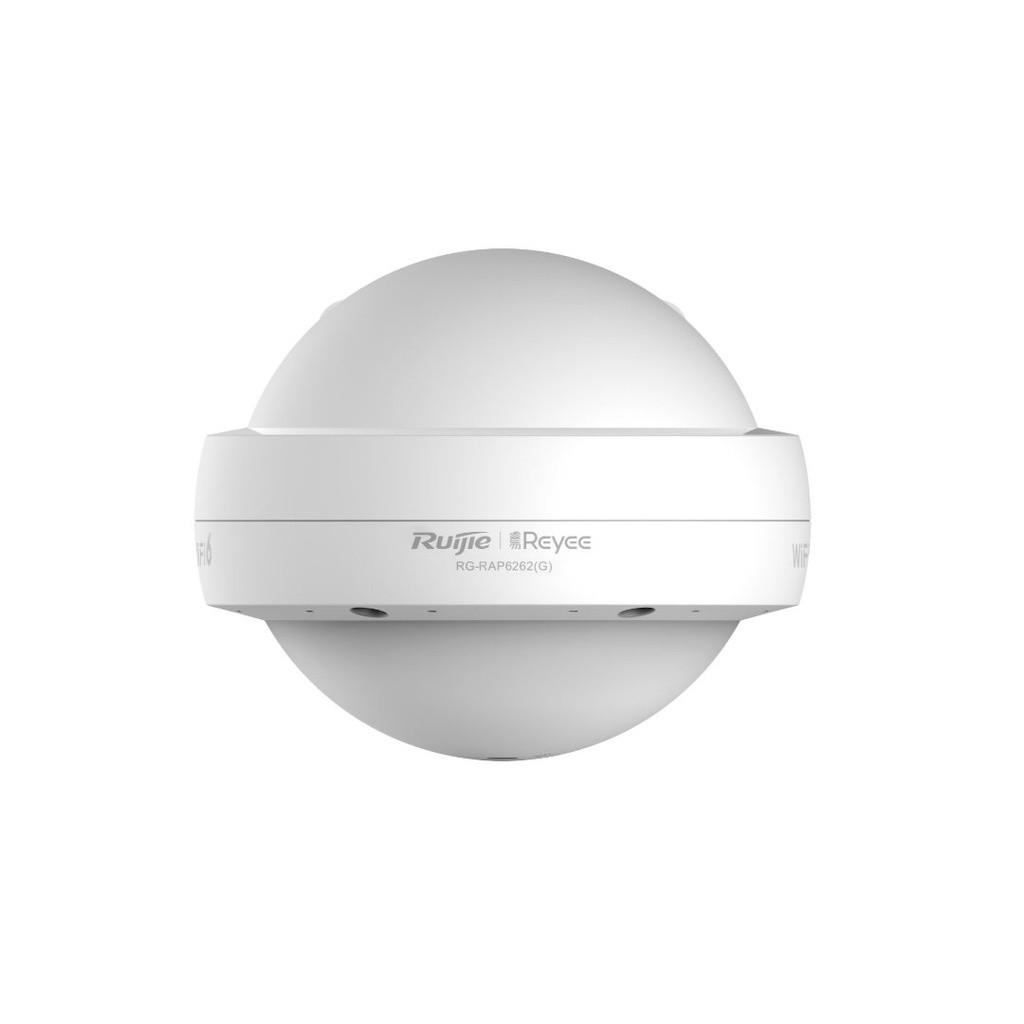
[RG-RAP6262(G)] Ruijie Reyee RG-RAP6262(G) Wi-Fi 6 AX1800 Outdoor Omni-directional Access Point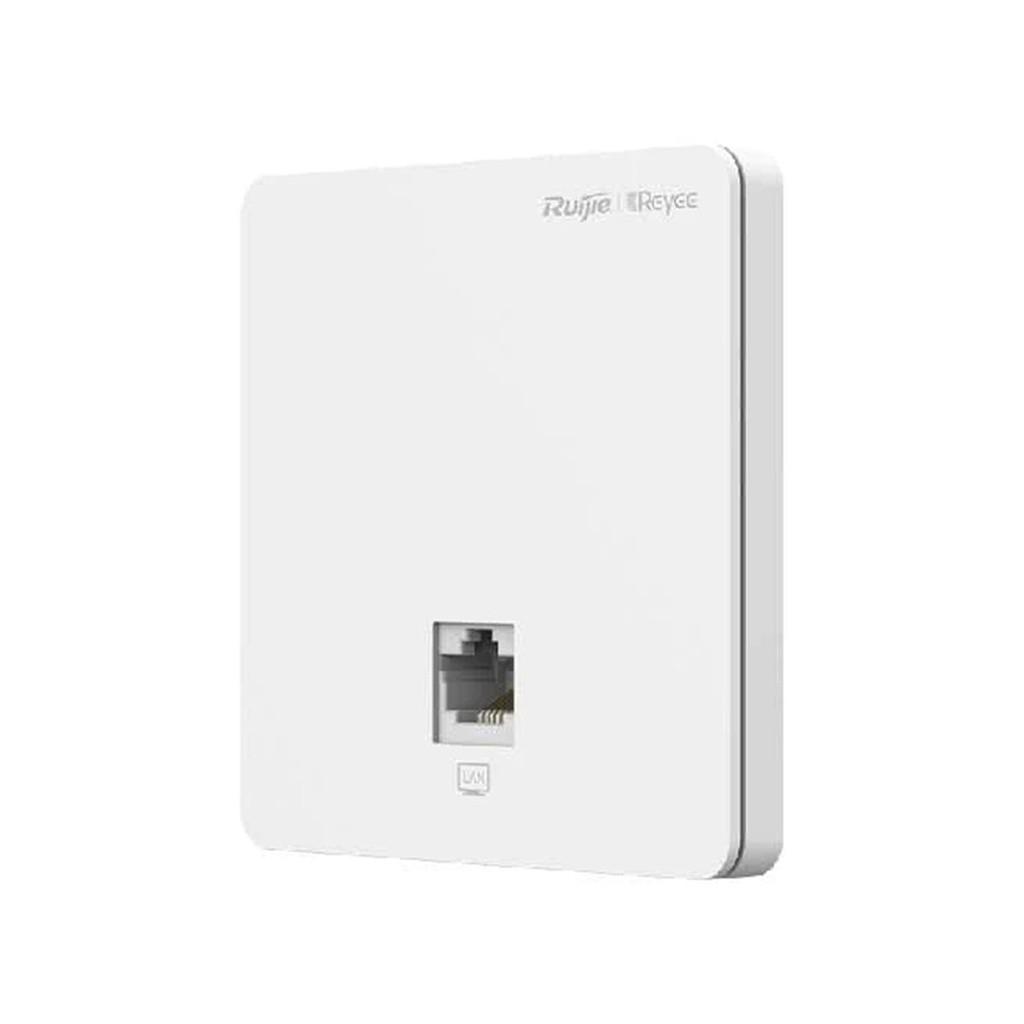
Ruijie & Reyee Network Nepal
RG-RAP1200(F), Wi-Fi 5 1267Mbps Wall-mounted Access Point best price in Nepal online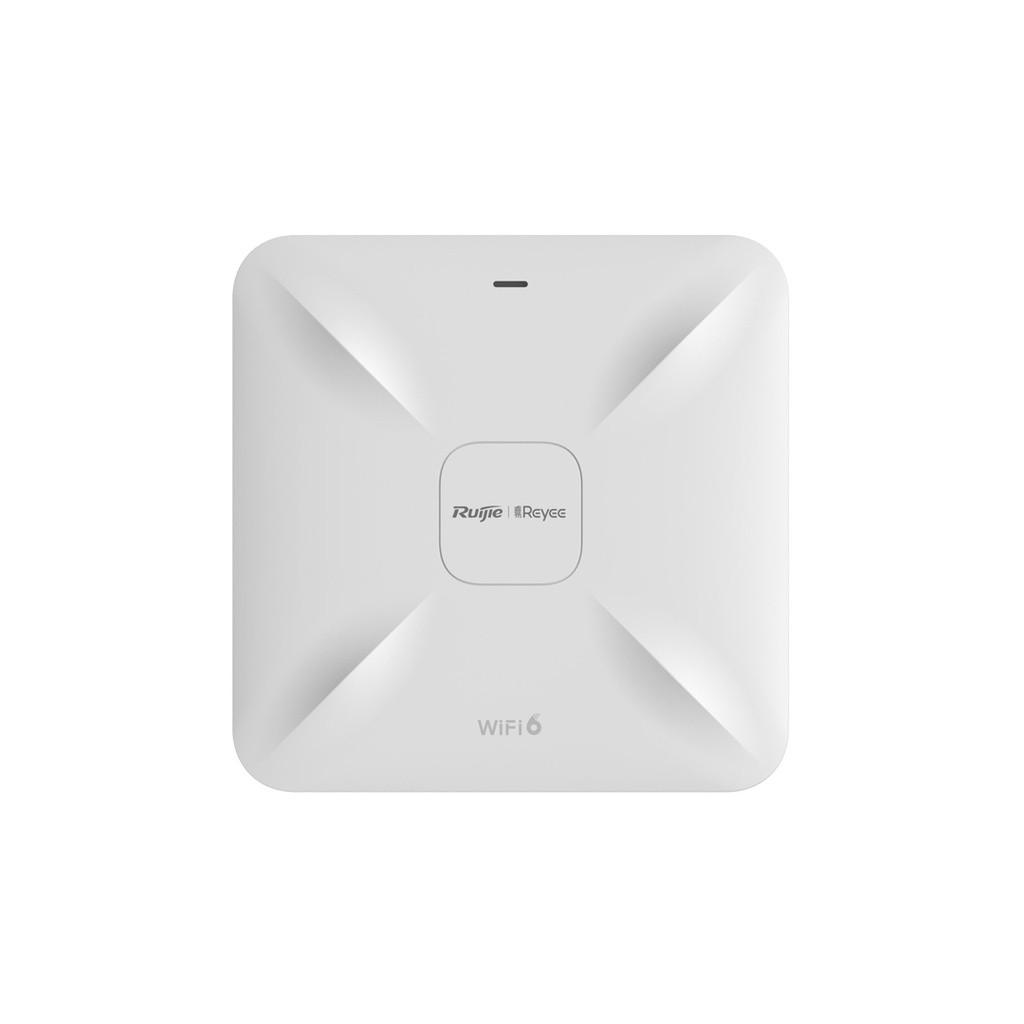
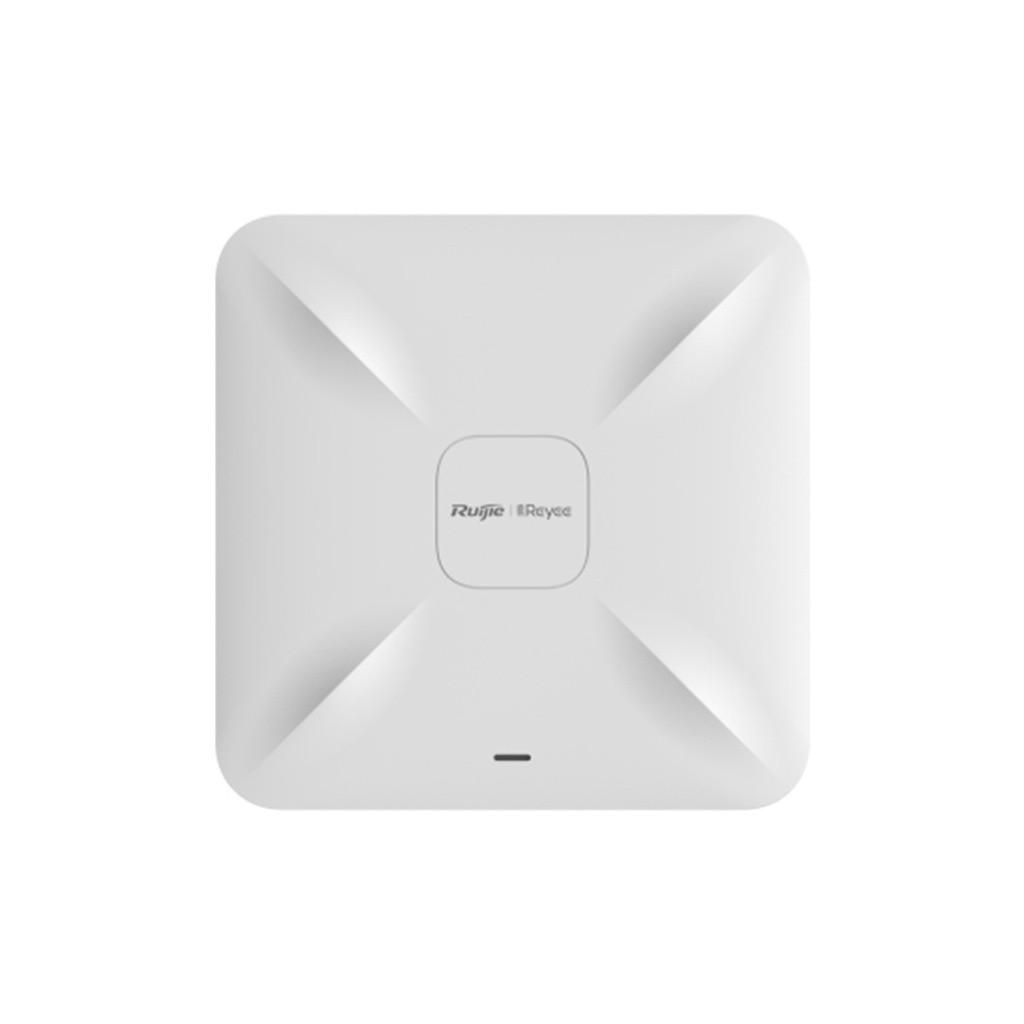
A wireless access point (AP) connects Wi-Fi-enabled devices to an existing wired network, extending wireless connectivity across offices, hotels, schools, commercial buildings, and other environments. Unlike a basic home router, a dedicated access point can be integrated into a centrally managed network with multiple APs, separate wireless networks, and coordinated coverage.
Safelincs Technology offers wireless access points in Nepal from brands including Cambium Networks, Aruba, and Ruijie & Reyee. Explore indoor wireless access points, Wi-Fi 6 models, and networking solutions designed for different coverage requirements, connected-device densities, and installation environments.
Choose a wireless access point based on Wi-Fi standards, radio configuration, Ethernet connectivity, Power over Ethernet (PoE) compatibility, and network management requirements.
Wireless Access Point Price in Nepal
The price of a wireless access point in Nepal depends on its wireless standard, hardware configuration, brand, management capabilities, and intended deployment environment.
Basic indoor access points and advanced business-grade models have different hardware and infrastructure requirements. For example, a Wi-Fi 6 access point designed for a high-density office may require more processing capacity, additional spatial streams, and a higher PoE power budget than a basic Wi-Fi 5 device.
Several technical factors influence wireless access point pricing:
Wi-Fi standard: IEEE 802.11ac, 802.11ax, or another supported generation.
Radio configuration: 2×2, 4×4, or other supported MIMO configurations.
Frequency bands: 2.4 GHz, 5 GHz, and 6 GHz where supported.
Ethernet interfaces: Fast Ethernet, Gigabit Ethernet, or multi-gigabit connectivity.
Power requirements: IEEE-standard PoE, a compatible power adapter, or model-specific power requirements.
Management: Standalone, controller-based, or cloud-managed operation.
Installation environment: Indoor or outdoor construction and environmental protection.
When comparing wireless access point prices, consider the total installation cost rather than the AP alone. Network switches, Ethernet cabling, PoE injectors, management licenses, and mounting accessories may affect the overall project budget.
For suitable networking equipment, explore the Ruijie & Reyee Network Switches in Nepal available at Safelincs Technology. Contact Safelincs Technology for current wireless access point prices, model availability, and quotations.
Types of Wireless Access Points
Wireless access points are available in different configurations based on installation location, wireless coverage requirements, and connected-device capacity.
1. Indoor Wireless Access Points
Indoor wireless access points are designed for offices, classrooms, hotels, conference rooms, retail stores, and residential buildings. Ceiling-mounted APs commonly use integrated antenna designs to distribute wireless coverage across an intended service area. Wall-mounted models may provide coverage suited to individual rooms, corridors, or specific installation layouts.
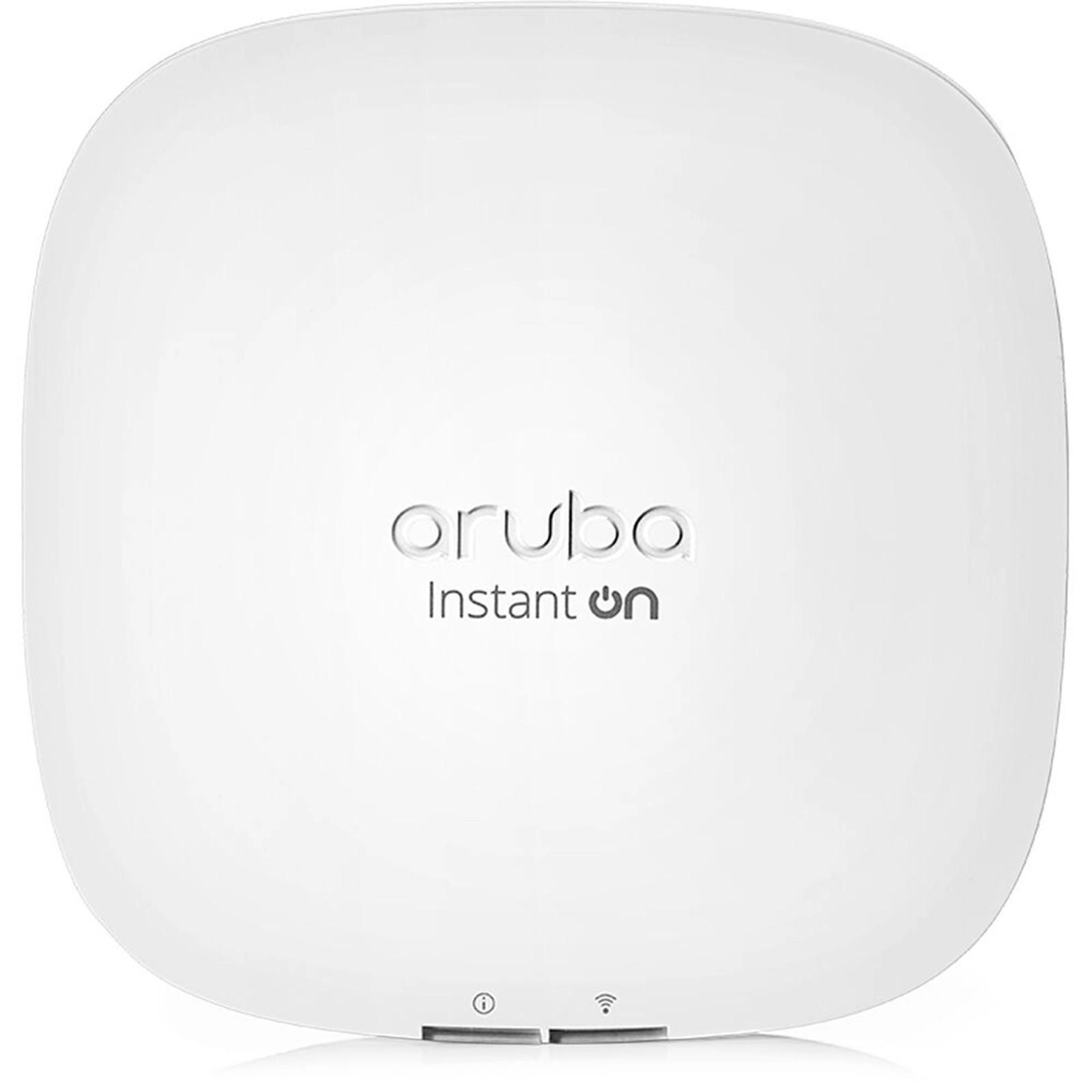
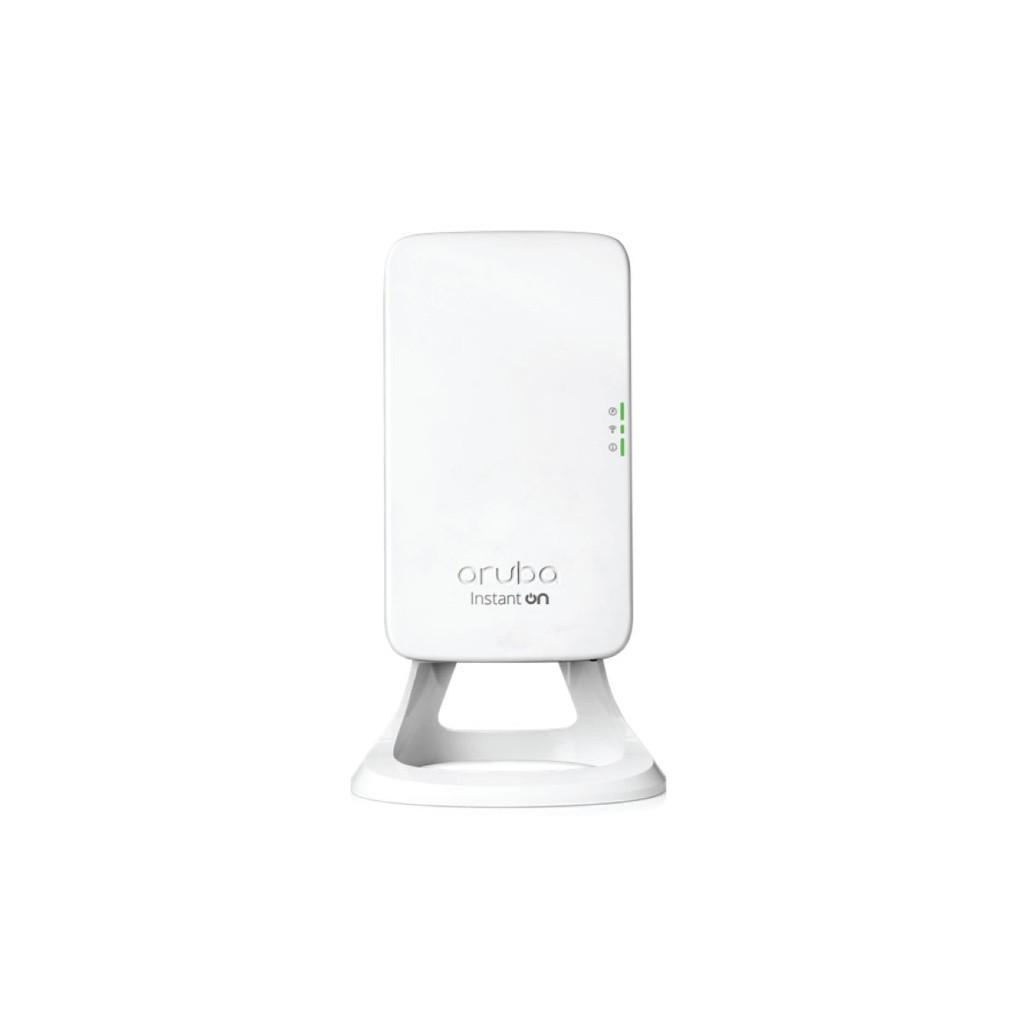
When selecting an indoor wireless access point, consider ceiling height, wall materials, user density, radio configuration, and interference from neighboring networks. A deployment involving multiple APs may use coordinated SSIDs and supported roaming features to help users maintain connectivity while moving between coverage areas. For indoor networking applications, explore the available Aruba Access Points in Nepal, including the Instant On product range.
2. Outdoor Wireless Access Points
Outdoor wireless access points are intended for installations where standard indoor equipment may be exposed to rain, dust, temperature variations, or direct sunlight. These devices may be used in courtyards, outdoor hospitality areas, campuses, industrial facilities, and other open environments. Important outdoor AP specifications include:
Ingress Protection (IP) rating for dust and water resistance.
Supported operating temperature and humidity.
Antenna gain and radiation pattern.
Mounting arrangements and environmental protection.
Ethernet cable entry and surge protection requirements.
Supported PoE standard and maximum power consumption.
An outdoor access point should be selected according to the manufacturer's environmental specifications. A long advertised wireless range does not guarantee reliable communication because actual coverage depends on interference, obstacles, client transmit power, and antenna characteristics.
3. Wi-Fi 6 Wireless Access Points
Wi-Fi 6 access points use the IEEE 802.11ax wireless networking standard. Compared with earlier Wi-Fi generations, Wi-Fi 6 introduces technologies that can improve radio efficiency and support multiple connected devices more effectively under suitable conditions.
Important Wi-Fi 6 technologies include:
1. OFDMA (Orthogonal Frequency Division Multiple Access): Allows supported devices to share portions of a wireless channel through resource-unit allocation, improving efficiency for certain traffic patterns.
2. MU-MIMO (Multi-User Multiple Input Multiple Output): Enables compatible access points to communicate with multiple devices using supported spatial-stream configurations.
3. Target Wake Time (TWT): Can allow compatible devices to coordinate scheduled communication periods and reduce unnecessary wireless activity.
Wi-Fi 6 performance depends on the AP hardware, client capabilities, channel configuration, network congestion, and available backhaul bandwidth. Explore the Cambium Networks product range for available Wi-Fi 6 wireless access points.
Wireless Access Point Brands Available in Nepal
Safelincs Technology lists wireless networking products from Cambium Networks, Aruba, and Ruijie & Reyee. These product families provide options for different installation requirements and networking environments.
1. Cambium Wireless Access Points
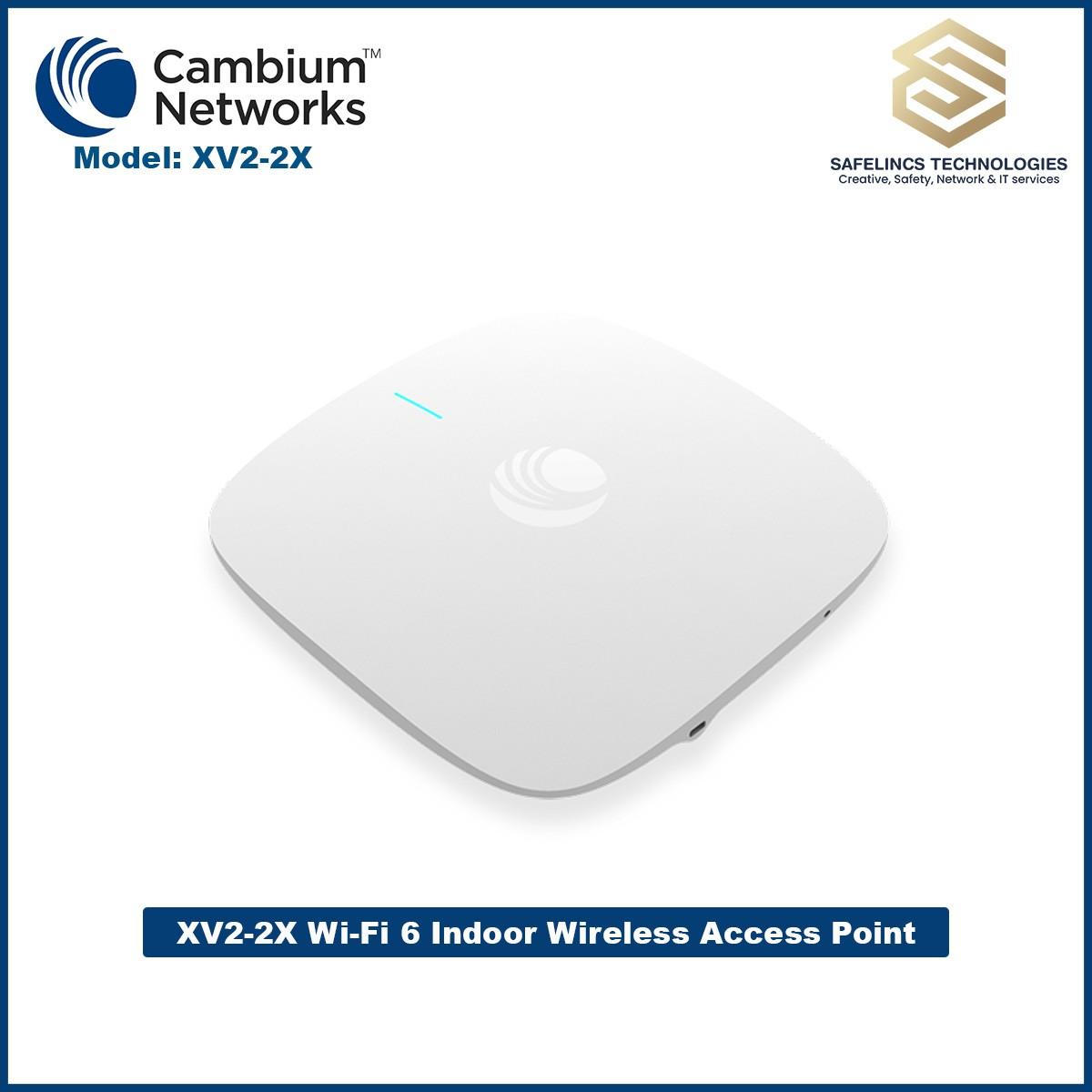
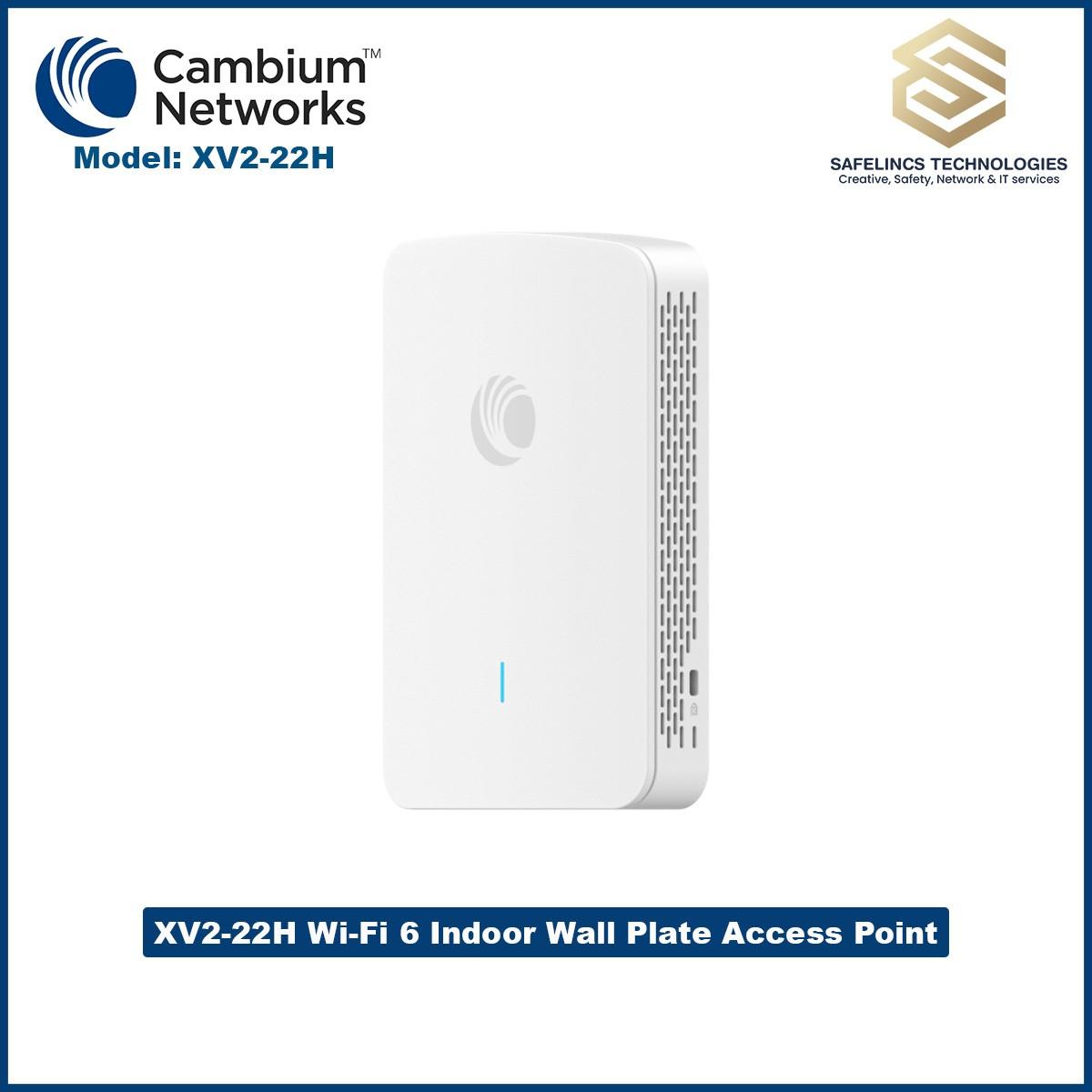
Cambium Networks provides wireless networking equipment for business and enterprise deployments.Safelincs Technology lists Cambium indoor access points, including the XV2-2X Wi-Fi 6 model. When comparing Cambium access points, review the Wi-Fi generation, radio configuration, supported management platform, Ethernet interface, and power requirements of each model.
For multi-AP installations, verify whether the selected Cambium models support the required management platform, guest access policies, VLAN configuration, and roaming features. Explore the complete Cambium Wireless Access Points in Nepal collection.
2. Aruba Wireless Access Points
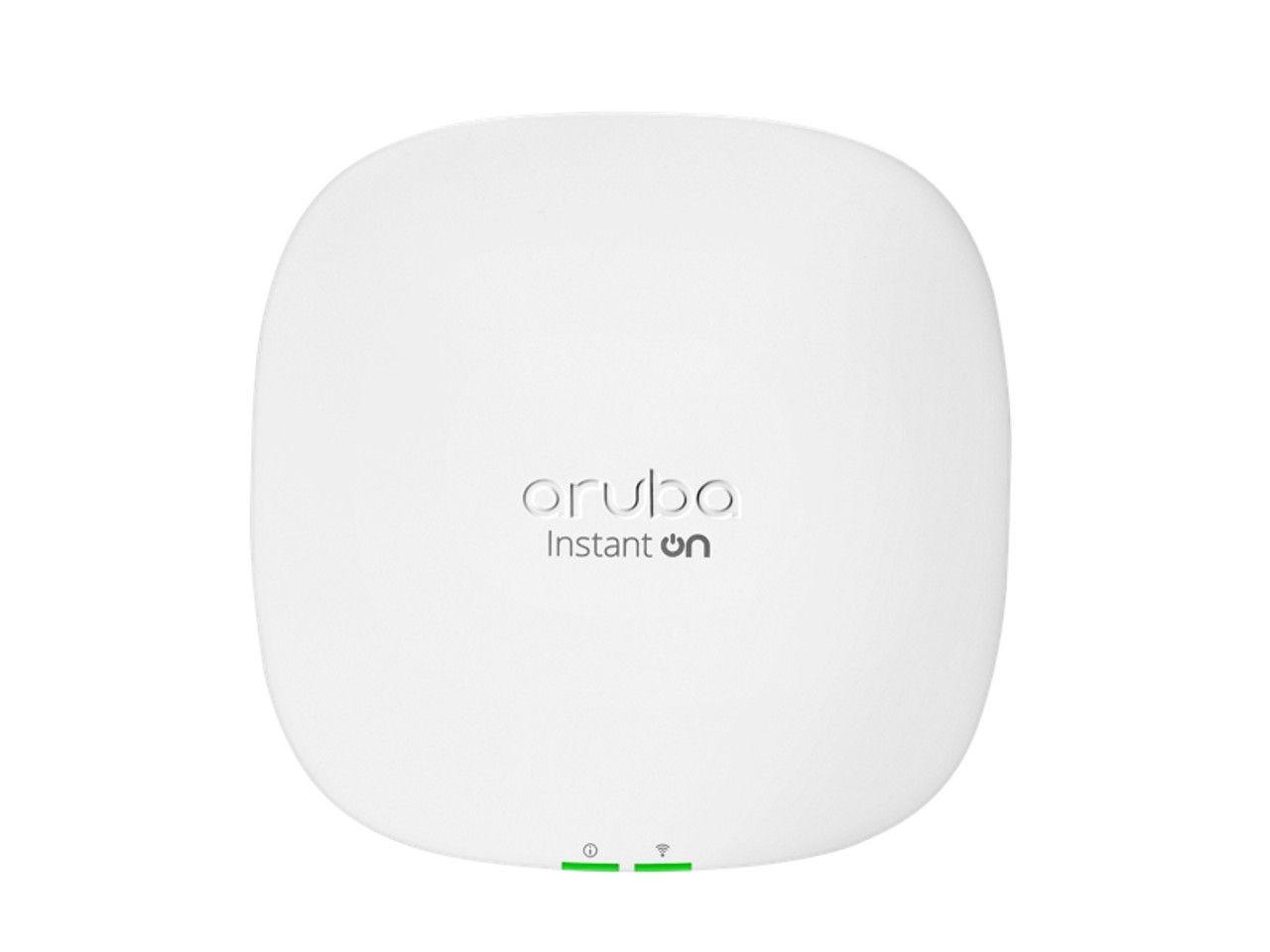
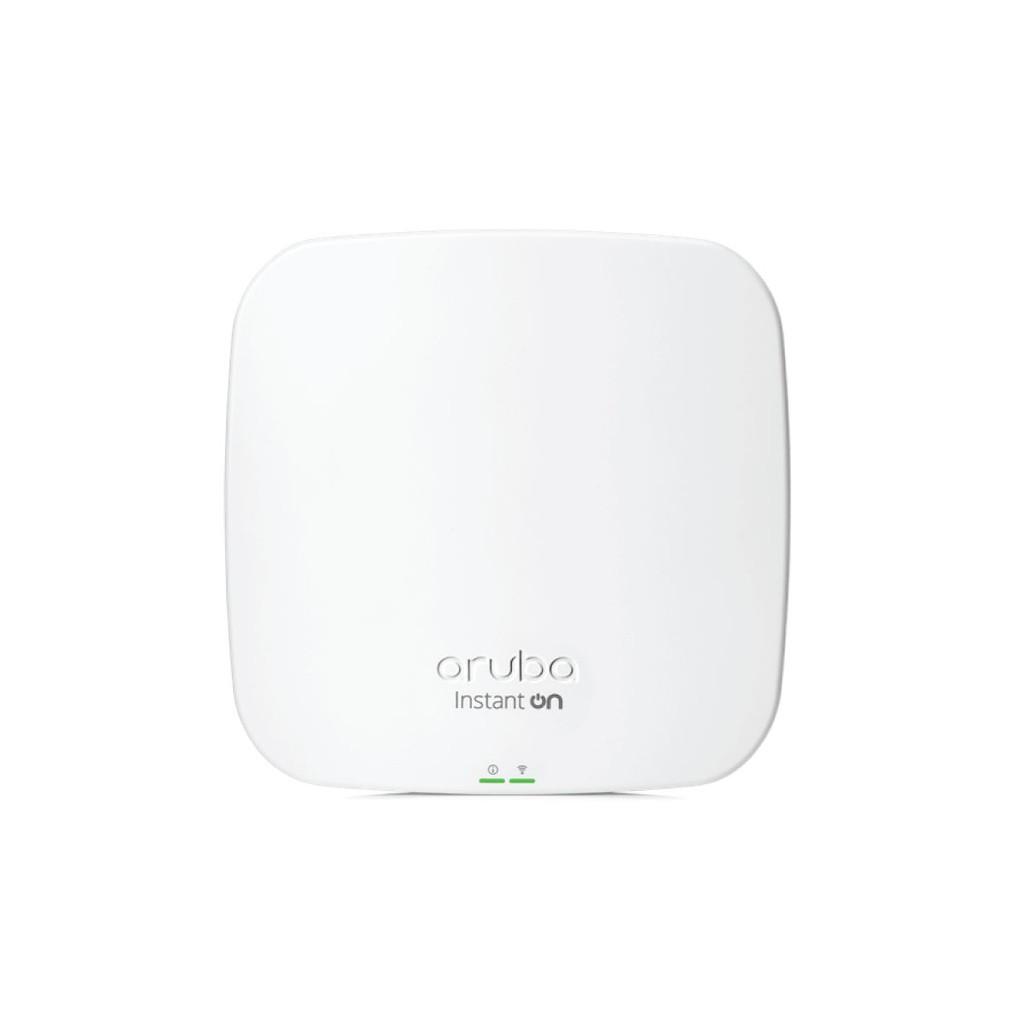
Aruba wireless access points provide networking options for small businesses and other commercial environments. Safelincs Technology lists Aruba Instant On models, including the AP11, AP11D, AP15, and AP25.
The AP25 is listed as a 4×4 Wi-Fi 6 indoor access point, while the AP11 is listed as a 2×2 MIMO indoor model. When comparing Aruba access points, examine supported Wi-Fi standards, spatial streams, Ethernet interfaces, management requirements, and power specifications.
For installations requiring multiple access points, check compatibility within the selected product family and its management ecosystem. Explore the Aruba Access Points in Nepal category.
3. Ruijie & Reyee Wireless Access Points
Ruijie and Reyee offer wireless networking equipment for business and commercial network deployments. When evaluating Ruijie or Reyee access points, review their supported Wi-Fi standards, available management functions, Ethernet interfaces, PoE requirements, and compatibility with other network devices.
Management capabilities such as centralized configuration, network monitoring, and guest-network control depend on the selected model and platform. Explore the Ruijie & Reyee Networking Products available at Safelincs Technology.
Wireless Access Point Technical Specifications Explained
Understanding wireless access point specifications is essential when designing a network for multiple users, high-bandwidth applications, or a large coverage area.
1. Wi-Fi Standards and Wireless Performance
Wireless access points use IEEE 802.11 standards to communicate with compatible wireless devices.
Wi-Fi Generation | IEEE Standard | Key Technical Characteristics |
Wi-Fi 4 | 802.11n | MIMO and 2.4/5 GHz operation, depending on the device |
Wi-Fi 5 | 802.11ac | 5 GHz operation, wider channels, and higher supported data rates |
Wi-Fi 6 | 802.11ax | OFDMA, improved multi-user efficiency, and advanced radio scheduling |
Wi-Fi 6E | 802.11ax | Extends Wi-Fi 6 operation into the 6 GHz band where supported and permitted |
The maximum wireless data rate advertised by a manufacturer represents a theoretical physical-layer transmission rate, not guaranteed internet speed. Actual application throughput is affected by protocol overhead, signal quality, interference, channel width, network congestion, and the capabilities of the connected device.
An access point's Ethernet uplink can also limit aggregate traffic. For example, a 1 Gbps Ethernet interface cannot deliver more than its available wired-link capacity regardless of the combined theoretical wireless data rates.
2. Frequency Bands and Channel Width
Wireless access points may operate on 2.4 GHz, 5 GHz, or 6 GHz frequency bands, depending on the model.
2.4 GHz: Generally provides broader coverage through some obstacles but has fewer non-overlapping channels and is susceptible to interference from neighboring Wi-Fi networks and other devices.
5 GHz: Provides access to more channels and supports higher-capacity deployments, although coverage through walls may be more limited.
6 GHz: Provides additional spectrum for compatible devices, subject to local regulatory permissions and the access point's supported specifications.
Channel widths such as 20 MHz, 40 MHz, 80 MHz, and 160 MHz influence potential throughput and spectrum utilization. Wider channels can support higher physical-layer data rates, but they also occupy more spectrum and may increase interference or contention in congested environments.
For high-density installations, channel planning should balance capacity, interference, and available spectrum rather than automatically selecting the widest channel.
3. MIMO, Antenna Gain, and Wireless Coverage
MIMO technology uses multiple antennas and radio chains to improve wireless communication. A 2×2 MIMO access point has two transmit and two receive radio chains, while a 4×4 configuration has four of each. The number of usable spatial streams also depends on the AP, client devices, and radio conditions. Antenna gain is expressed in dBi and describes how antenna radiation is concentrated relative to an isotropic reference antenna.
Higher antenna gain does not automatically provide better coverage in every direction. Antenna radiation patterns, mounting positions, transmit power, receiver sensitivity, and physical obstructions all influence the usable coverage area.
For multi-floor offices, hotels, and commercial buildings, a wireless site survey is useful for identifying suitable access point locations and estimating coverage requirements.
4. Power over Ethernet (PoE) Requirements
Power over Ethernet allows compatible access points to receive electrical power and network data through the same Ethernet cable. This can simplify installations by reducing the need for a separate electrical outlet at each access point location. Different IEEE PoE standards provide different maximum power levels.
PoE Standard | Maximum Power at Source | Maximum Power at Device |
IEEE 802.3af | 15.4 W | 12.95 W |
IEEE 802.3at | 30 W | 25.5 W |
IEEE 802.3bt Type 3 | 60 W | 51 W |
IEEE 802.3bt Type 4 | 90 W | 71.3 W |
The required PoE standard depends on the access point's manufacturer specifications. A device requiring more power than the connected switch can deliver may fail to start or operate with restricted functionality. Before purchasing a PoE switch, verify its per-port power capability, total power budget, Ethernet interface speeds, and compatibility with the intended APs.
For example, a network with eight access points requiring 20 W each needs at least 160 W of simultaneous power available for those APs. Additional capacity should be considered according to the switch manufacturer's power-budget specifications and any other connected devices.
Explore compatible options from the Ruijie & Reyee Network Switches collection.
5. Network Security and Centralized Management
Wireless access point security is an important consideration for offices, hotels, schools, and commercial networks. Depending on the selected model, supported networking features may include WPA2 or WPA3 authentication, multiple SSIDs, VLAN tagging, guest access controls, and client isolation.
For example, a business can configure separate wireless networks for employees and visitors. VLANs can then help separate traffic when the router, switches, access points, and associated network policies are configured appropriately.
Centralized management platforms may allow administrators to monitor multiple APs, apply configuration changes, manage firmware, and review wireless network performance. Verify the management architecture and any licensing requirements before selecting equipment for a multi-access-point network.
6. Fiber Connectivity and Wireless Access Points
A fiber wireless access point deployment typically uses a fiber-optic connection as part of the wired network infrastructure. Most conventional Ethernet access points connect through copper Ethernet rather than directly through a fiber-optic port.
A typical installation may use the following architecture: Fiber Network → Fiber-Capable Switch or Media Converter → PoE Switch → Wireless Access Point
The fiber link provides network backhaul, while the access point supplies wireless connectivity to nearby devices. When designing this type of network, verify the supported optical transceivers, fiber type, connector compatibility, Ethernet speeds, and power requirements.
How to Choose the Best Wireless Access Points for Your Network
The best wireless access point for a particular installation depends on the coverage area, connected-device requirements, network infrastructure, and expected application traffic.
1. Determine the Coverage Area
Start by reviewing the building layout, wall materials, floor levels, ceiling height, and potential sources of radio interference. A single AP may be sufficient for a small space, while larger offices and multi-floor buildings may require multiple access points.
2. Estimate Connected Devices and Bandwidth
Consider the expected number of simultaneously connected smartphones, laptops, tablets, and other Wi-Fi devices. A network serving basic web browsing has different capacity requirements from one supporting simultaneous video meetings, large file transfers, or high-bandwidth business applications. The manufacturer's maximum client count should not be treated as a guaranteed number of users receiving acceptable performance.
3. Select the Appropriate Wi-Fi Generation
Wi-Fi 5 access points may meet the needs of some existing networks, while Wi-Fi 6 models can offer improved efficiency in compatible multi-device environments. Review the actual client devices, available internet bandwidth, application requirements, and expected network expansion before selecting a model.
4. Check Ethernet and PoE Compatibility
Verify that the selected AP's Ethernet interface and power requirements are supported by the existing network. Where additional network infrastructure is required, explore Reyee & Ruijie PoE Switches and check individual model specifications before purchasing.
5. Consider Network Management and Scalability
For installations with several access points, consider centralized configuration, consistent security policies, monitoring, and supported roaming capabilities. Also verify whether the selected product family requires a separate controller, cloud account, subscription, or other management component.
Wireless Access Point vs Router: What Is the Difference?
A wireless router and a wireless access point perform different networking functions, although some devices combine both capabilities. A router connects different IP networks and commonly handles internet gateway functions such as routing, NAT, and DHCP in home or small-business networks. A dedicated wireless access point primarily connects wireless devices to an existing network.
Feature | Wireless Access Point | Wireless Router |
Primary purpose | Provides Wi-Fi access to a network | Connects and routes traffic between networks |
Routing and NAT | Not normally its primary function | Commonly supported |
DHCP server | Usually provided by another device | Commonly integrated |
Wired connectivity | Commonly uses an Ethernet LAN uplink | Commonly includes WAN and LAN interfaces |
Deployment | Multiple-AP networks and coverage expansion | Home or business network gateway |
Some wireless routers also support an access point operating mode, allowing them to provide wireless connectivity without performing their usual routing functions. For larger installations, dedicated access points can be combined with compatible routers and managed switches to build a centrally administered wireless network.
Wireless Access Point Installation and Setup
Proper wireless access point setup involves network planning, physical installation, power compatibility, wireless configuration, and performance testing.
1. Network Planning and Placement
Begin by identifying the intended coverage area, the number of users, and expected traffic requirements. Select mounting locations that provide appropriate signal coverage while minimizing interference and avoiding unnecessary obstructions.
In larger installations, a wireless site survey can help identify coverage gaps and determine suitable AP positions.
2. Connecting the Access Point
A typical network configuration is: Internet Connection → Router/Firewall → Network Switch → Wireless Access Point → Wi-Fi Devices
Where compatible PoE equipment is used, the network switch can provide both data connectivity and electrical power to the AP. Use suitable Ethernet cabling and follow the access point manufacturer's installation and grounding instructions.
3. Configuring Wireless Settings
After connecting the AP, access its supported management interface and configure the required wireless settings. Configuration commonly includes the SSID, authentication method, wireless security, channel settings, and management credentials. Where supported, additional settings may include VLANs, guest networks, transmit power, and coordinated management of multiple APs.
4. Testing Network Performance
After installation, test coverage and connectivity from different locations. Evaluate signal strength, throughput, packet loss, latency, and roaming behavior where applicable.
If wireless performance is poor, investigate interference, channel utilization, Ethernet uplink speed, client capabilities, and placement before increasing transmit power or adding more access points.
Buy Wireless Access Points in Nepal from Safelincs Technology
Explore wireless access points in Nepal at Safelincs Technology, including available Cambium, Aruba, and Ruijie & Reyee networking products.
Whether you are planning a small office network or a multi-access-point commercial installation, compare Wi-Fi standards, Ethernet connectivity, PoE compatibility, and management features before selecting your equipment.
Frequently Asked Questions
1. What is a wireless access point, and how does it work?
A wireless access point connects Wi-Fi-enabled devices to an existing network through a wireless connection. It commonly connects to a router or network switch using Ethernet and bridges wireless traffic onto the wired LAN.
2. What is the price of a wireless access point in Nepal?
Wireless access point prices in Nepal vary according to brand, Wi-Fi standard, radio configuration, Ethernet connectivity, and management features. Contact Safelincs Technology for current prices and quotations for available Cambium, Aruba, and Ruijie & Reyee models.
3. Which wireless access point is suitable for an office or hotel?
The appropriate access point depends on the building layout, number of connected devices, application bandwidth, and management requirements. Hotels and larger offices may require multiple APs with coordinated configuration and properly planned coverage.
4. What is the difference between a wireless access point and a router?
A router connects different networks and commonly manages internet connectivity, while a wireless access point provides Wi-Fi access to an existing network. Some wireless routers combine both functions and can also operate in access point mode.
5. Do wireless access points require PoE?
Not all wireless access points require PoE because some models support dedicated power adapters or other powering methods. For PoE-powered models, verify the exact IEEE standard and power requirements before connecting the device to a switch or injector.
6. What is the difference between indoor and outdoor wireless access points?
Indoor access points are designed for protected environments such as offices, classrooms, and hotels. Outdoor models are intended for environmental exposure and should be selected according to their specified IP rating, temperature range, mounting requirements, and electrical protection.
7. Can a wireless access point connect to a fiber-optic network?
Yes, an access point can operate on a network that uses fiber-optic backhaul. A conventional Ethernet AP typically connects through a fiber-capable switch, media converter, or another compatible Ethernet device rather than connecting directly to an optical fiber.
8. How many devices can connect to one wireless access point?
The number of supported devices depends on the AP model, radio configuration, firmware, and manufacturer specifications. Actual usable capacity also depends on application traffic, available airtime, interference, signal quality, and client capabilities.
9. How do I configure a wireless access point?
Connect the AP to a compatible network and power source, then access its supported management interface to configure wireless settings. Set the SSID, security method, credentials, and any required VLAN or management options according to the manufacturer's instructions.
10. Can multiple wireless access points use the same SSID?
Yes, multiple access points can broadcast the same SSID when configured with compatible security and network settings. This allows devices to move between coverage areas, although roaming behavior depends on the client devices, signal conditions, and supported network features.